DF4910HD-DN | DDF4910HDV-DN-IM/-SM
www.dallmeier.com 36
8 Basic Settings
The basic settings and the user management are integrated in the Common settings
menu.
8.1 Language
The graphical user interface can be displayed in various languages.
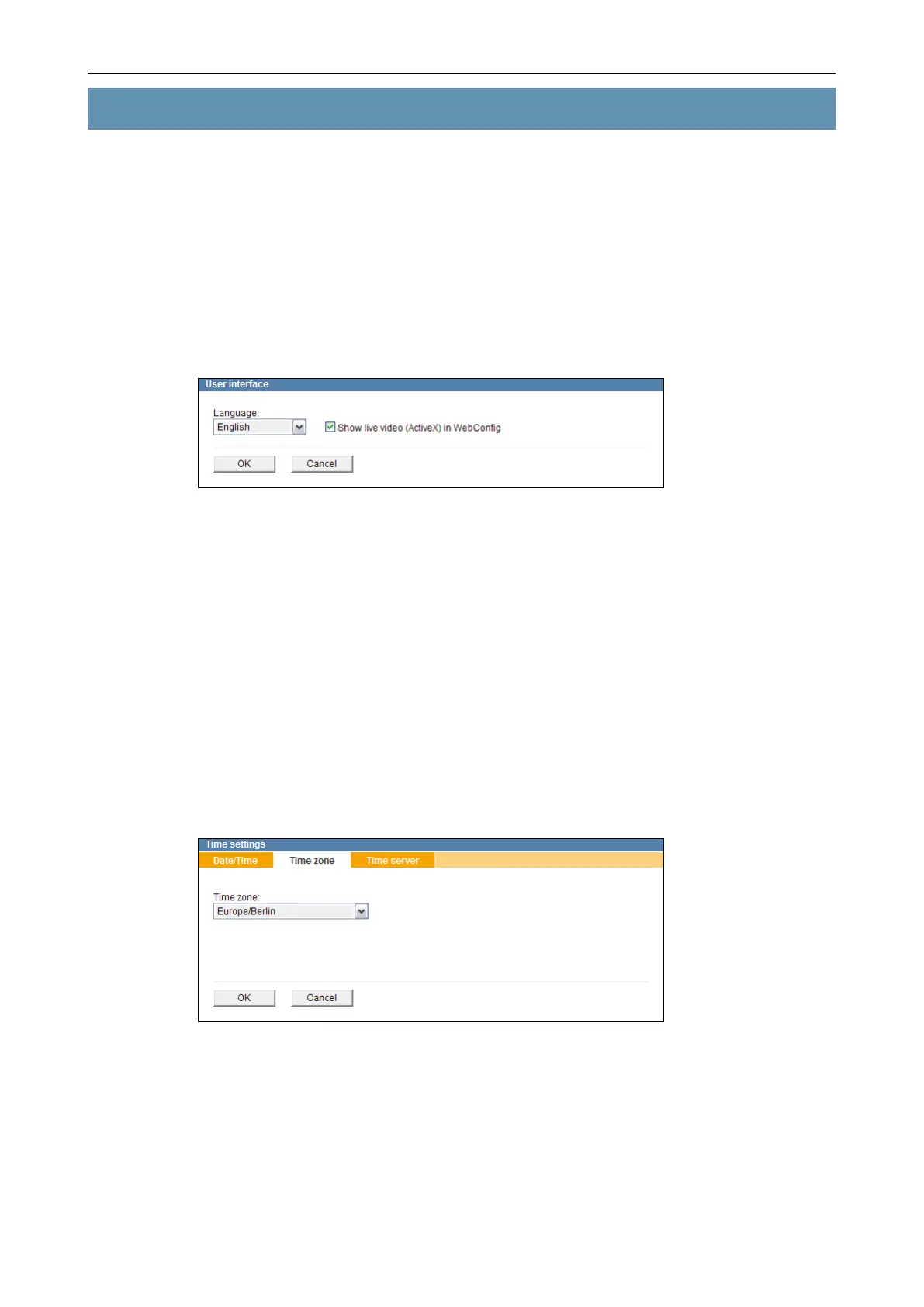
Open the User interface dialogue via Common settings > User interface ....
Fig. 8-1
Set the Language.
Deactivate the Show live video (ActiveX) in WebCong checkbox if network bottle-
necks occur or your system is overloaded.
Conrm with OK.
8.2 System Time
The system time can be set manually or synchronized with a UTC time server.
However, the time zone must be set in both cases.
Open the Time settings dialogue via Common Settings > Time ....
Select the Time zone tab.
Fig. 8-2
Set the Time zone.
Conrm with OK.



 To Next Page