DF4910HD-DN | DDF4910HDV-DN-IM/-SM
www.dallmeier.com 91
14.5.2 Upload
The saved conguration le can be transferred to an individual device. This allows for the
recovery of the conguration of the device that is currently connected.
In addition, the conguration le can also be transferred to several devices simultane-
ously. This is a very effective method to identically congure several devices in terms of
certain conguration groups.
14.5.2.1 Conguration Recovery
To recover the conguration of an individual device, the connection to the device must be
established rst (see section “Connection” on page 32).
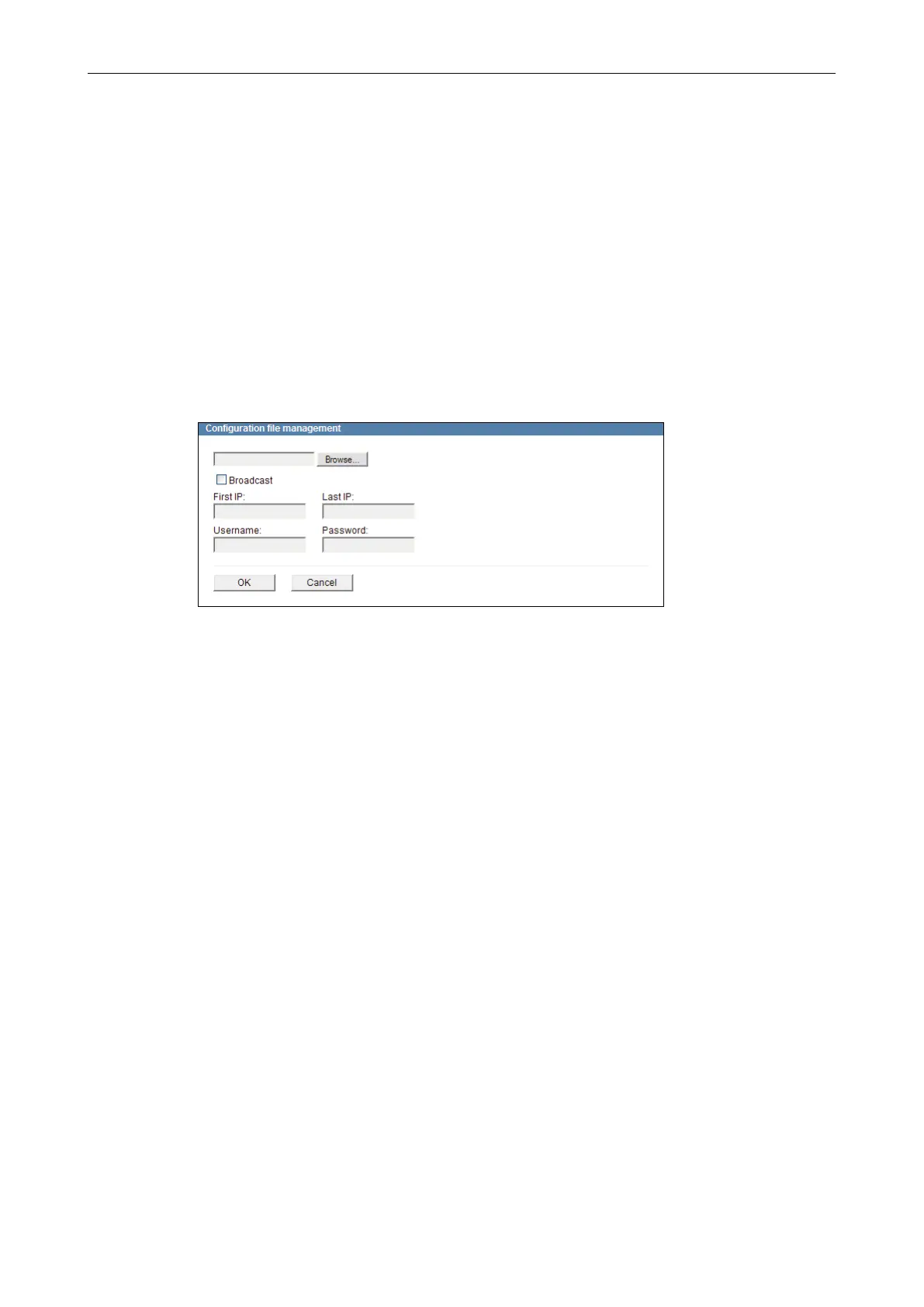
Open the Conguration le management dialogue via
Service > Conguration le > Upload ....
Fig. 14-6
Click Browse….
Select the relevant conguration le on your data storage device.
Conrm with OK.
At the end of the transfer a list of the transferred (or skipped) conguration settings is
displayed.



 To Next Page