DF4910HD-DN | DDF4910HDV-DN-IM/-SM
www.dallmeier.com 56
10.2.1 Global
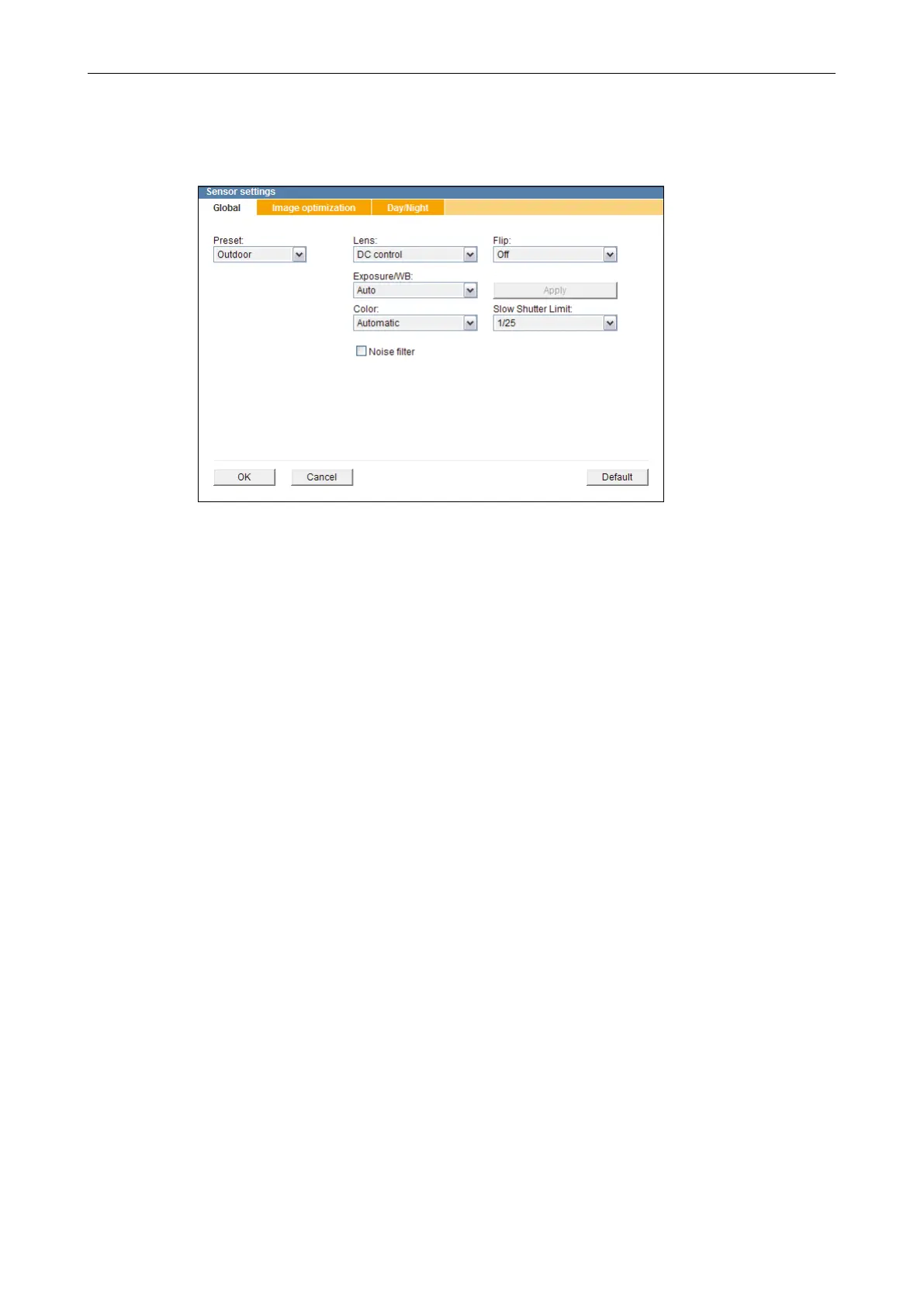
In the Global tab, the following settings can be congured:
Fig. 10-2
Preset
Presets can be used to easily adjust the sensor conguration for an optimal image quality
in most lighting conditions.
In addition, presets can be very useful starting points for the manual ne adjustment of
different camera parameters.
The following presets are available:
• Outdoor
Optimized for outdoor scenes.
• Indoor
Optimized for indoor scenes with medium contrast.
• Low light
Optimized for low light scenes.
Lens
• DC control
Required setting when using DC auto iris lenses.
• Off
Required setting when using lenses with manual iris control.
Flip
By using the ip function, the image in the camera can be mirrored (ipped) horizontally,
vertically or on both axes simultaneously.
This provides exible installation options for desktop, wall or ceiling applications.



 To Next Page