DF4910HD-DN | DDF4910HDV-DN-IM/-SM
www.dallmeier.com 69
11 Event Management
The event management provides event-triggered e-mail notications (including image
attachments) to several alarm hosts via SMTP and supports the automatic FTP upload of
still images based on events and/or a denable time interval.
Click Event management in the conguration menu.
If no event handler has been set yet, only the New ... item is displayed.
Click Event management > New ....
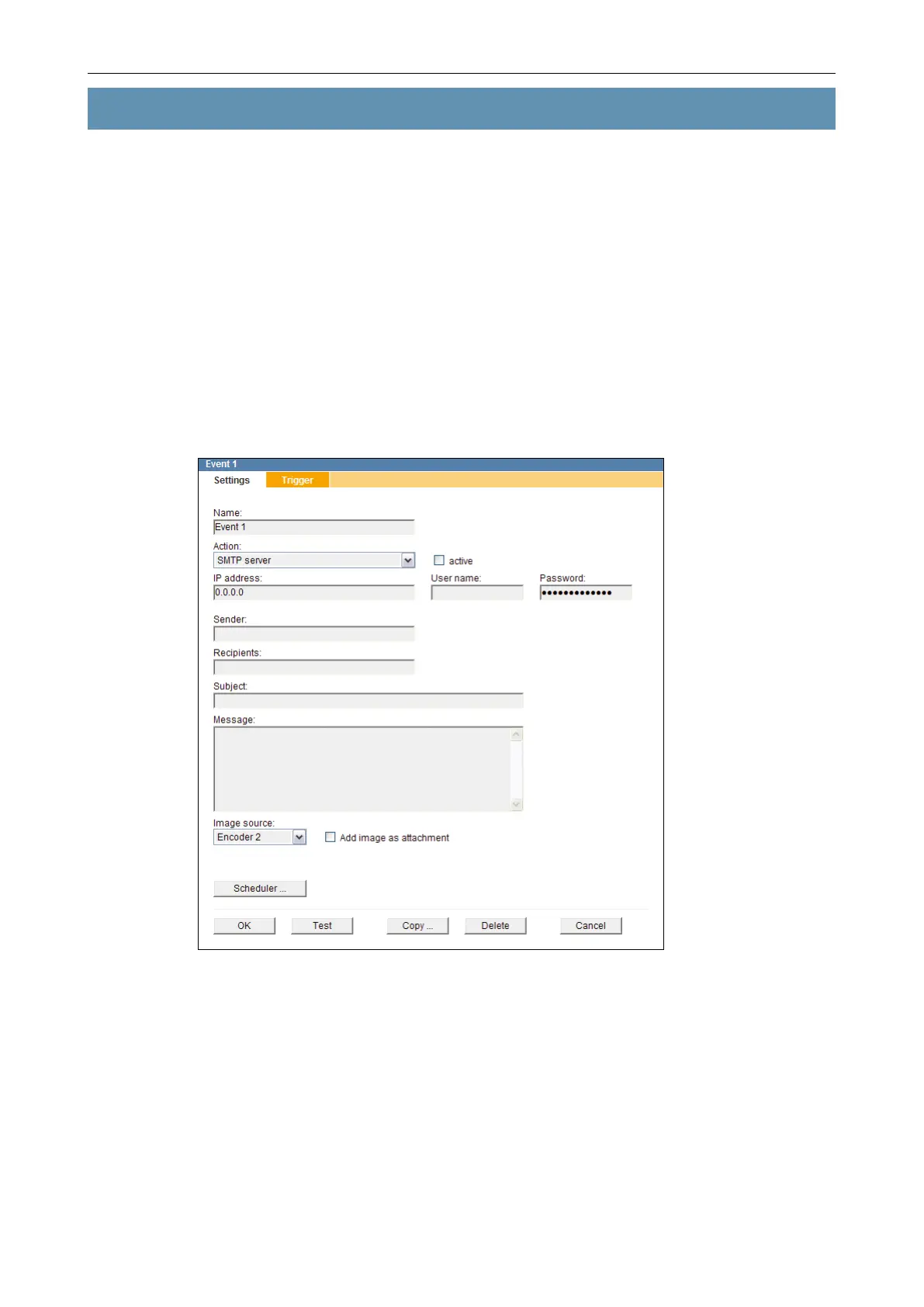
The conguration menu is expanded with the Event 1 item and the related dialogue is
displayed.
Fig. 11-1
Enter a unique name for the new event handler into the Name eld.
Select the action type which is supposed to be executed when a dened event occurs
(is triggered) from the drop-down list Action.
Set the required settings for the selected action type (see below).
Activate the active checkbox to enable the event handling.
Finally, conrm with OK.



 To Next Page