DF4910HD-DN | DDF4910HDV-DN-IM/-SM
www.dallmeier.com 38
8.3 Camera Name
The camera can be assigned a unique name which then is displayed in an external ap-
plication (e.g. SMAVIA Viewing Client
5)
) and can be inserted directly in the video.
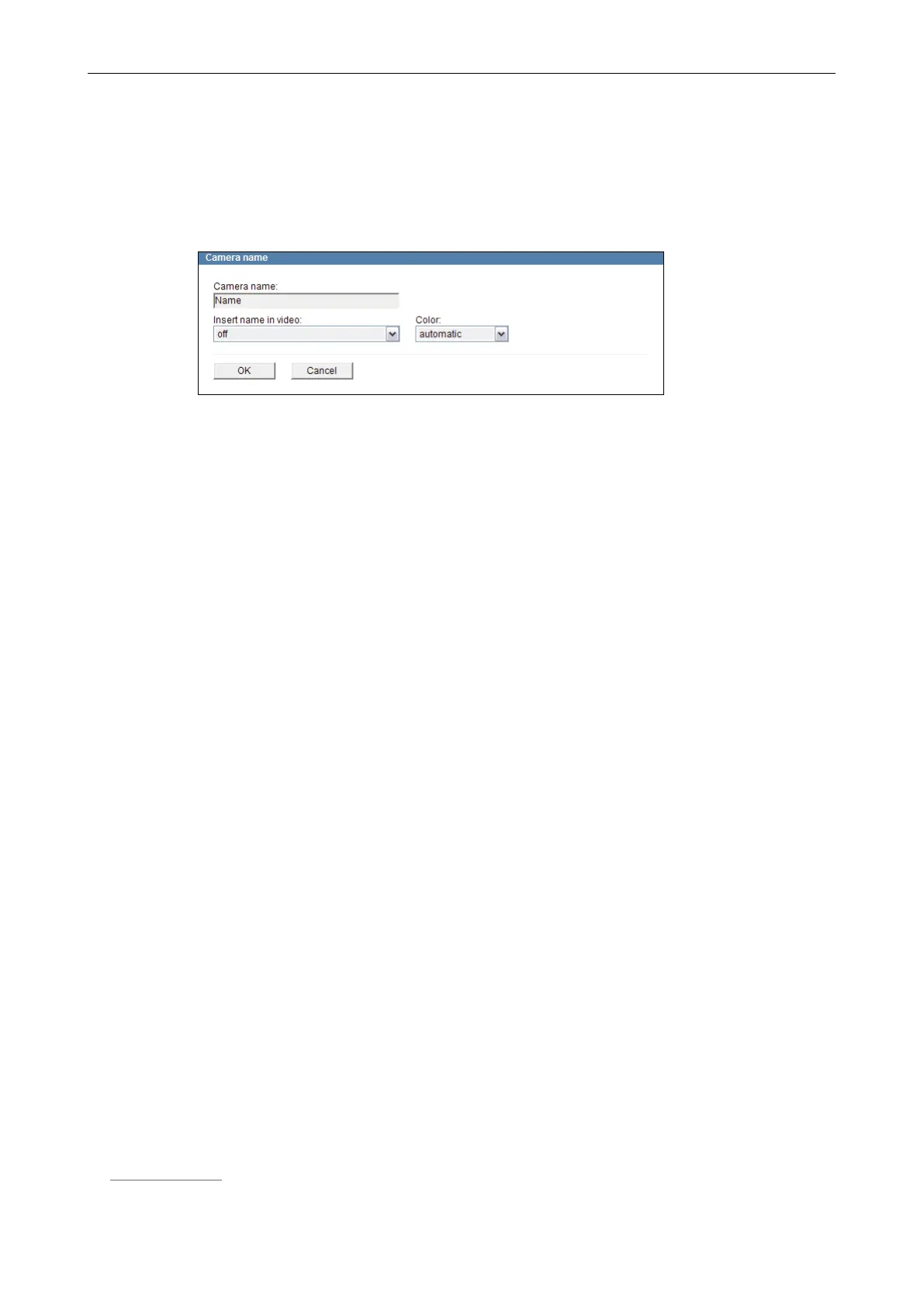
Open the Camera name dialogue via Common settings > Camera name ....
Fig. 8-5
Enter a unique name for the camera.
If required, select the position where the camera name is supposed to be displayed in
the video from the drop-down list Insert name in video.
Select the option for the colour representation of the camera name in the video from
the drop-down list Color.
Depending on the image information, the colour option “automatic” displays the charac-
ters of the camera name either in white or in black to provide a better readability.
Conrm with OK.
8.4 User Management
The conguration of the device must be preceded by a successful authentication as an
authorized user or user group.
The user management allows for the denition of various access and conguration rights
for three different local user groups. In addition, individual local users can be assigned to
the local user groups if necessary.
Furthermore, the centralized user management with LDAP (Lightweight Directory
Access Protocol) is supported by an Active Directory (AD) service (such as
Microsoft Windows Server
*)
or Linux
*)
server with Samba).
8.4.1 Login Mode
The login mode denes the authentication type.
Login mode Type
Group login Group password
User login User name + user password
or
Group password
LDAP login LDAP user name + LDAP user password
The authentication with the group password is also possible in the “User login” mode.
5) Dallmeier Video Management Software



 To Next Page