DF4910HD-DN | DDF4910HDV-DN-IM/-SM
www.dallmeier.com 55
10 Video
10.1 Video Standard
Countries and territories use different broadcasting television systems.
To ensure a correct video signal transmission, the device must be set to the appropriate
video standard for your country:
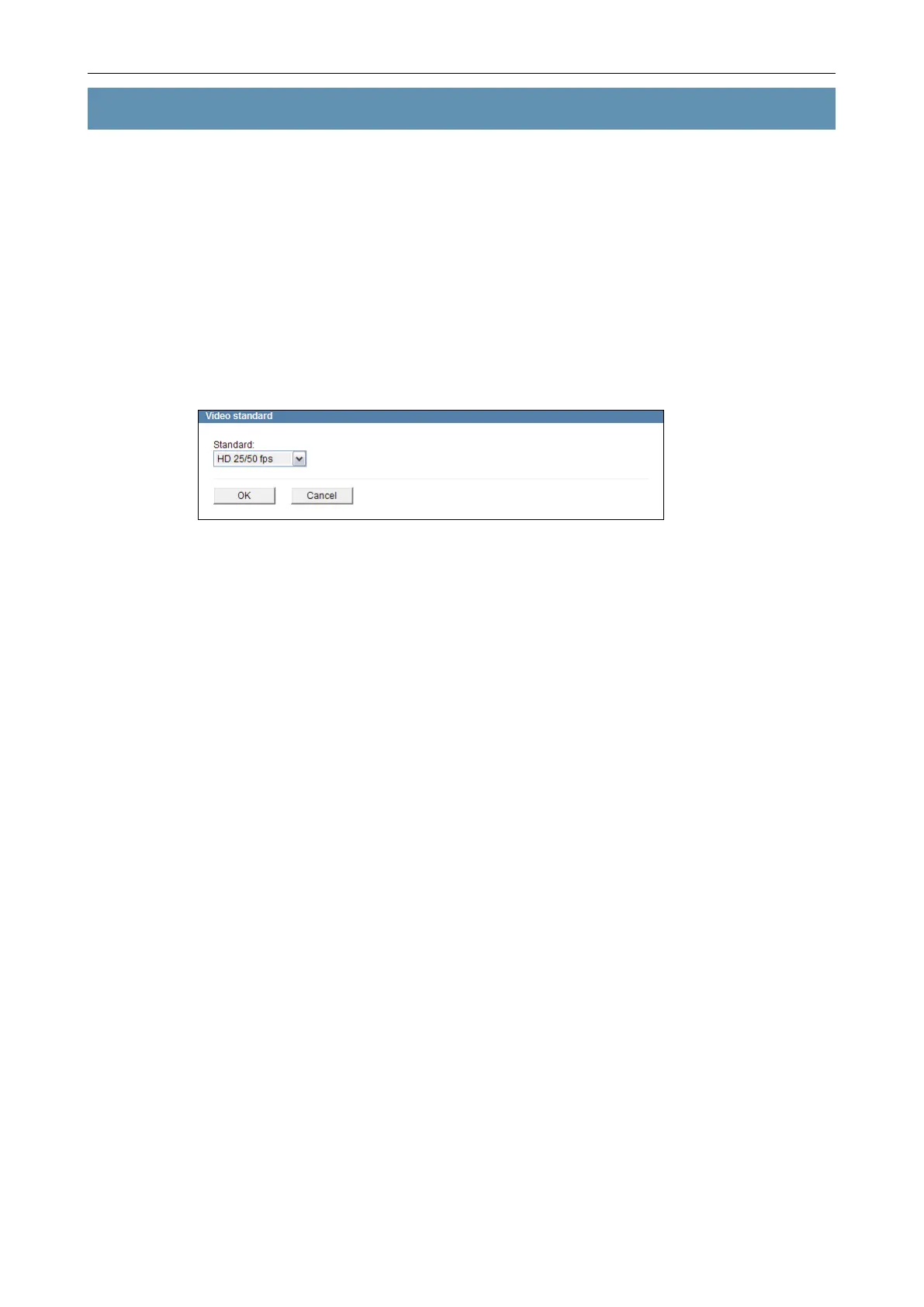
• HD 25/50 fps for “PAL countries”
• HD 30/60 fps for “NTSC countries”
Open the Video standard dialogue via Video > Video standard ....
Fig. 10-1
This dialogue may be locked by external devices/applications.
Select a Standard.
Conrm with OK.
10.2 Sensor
In the sensor settings, the image sensor can be congured and the image processing
parameters can be adjusted to the local lighting conditions.
Open the Sensor settings dialogue via Video > Sensor ....
Note the explanations about the sensor settings below.
Set the relevant options.
Finally, conrm with OK.
You can restore the factory sensor settings at any time by clicking “Default”.



 To Next Page