DF4910HD-DN | DDF4910HDV-DN-IM/-SM
www.dallmeier.com 83
12 Interfaces
12.1 Data Display
The data display function provides the embedding of data transferred from external de-
vices/applications (via the DaVid Protocol).
The embedded data is displayed in the live mode of DaVid Protocol capable devices/ap-
plications. A recording of the embedded data has to be congured separately.
For detailed information, refer to the separate documentations of the respective devices.
12.1.1 Filter
The externally transferred data can be ltered before embedding.
The ltering (selection) only takes effect on externally sent data.
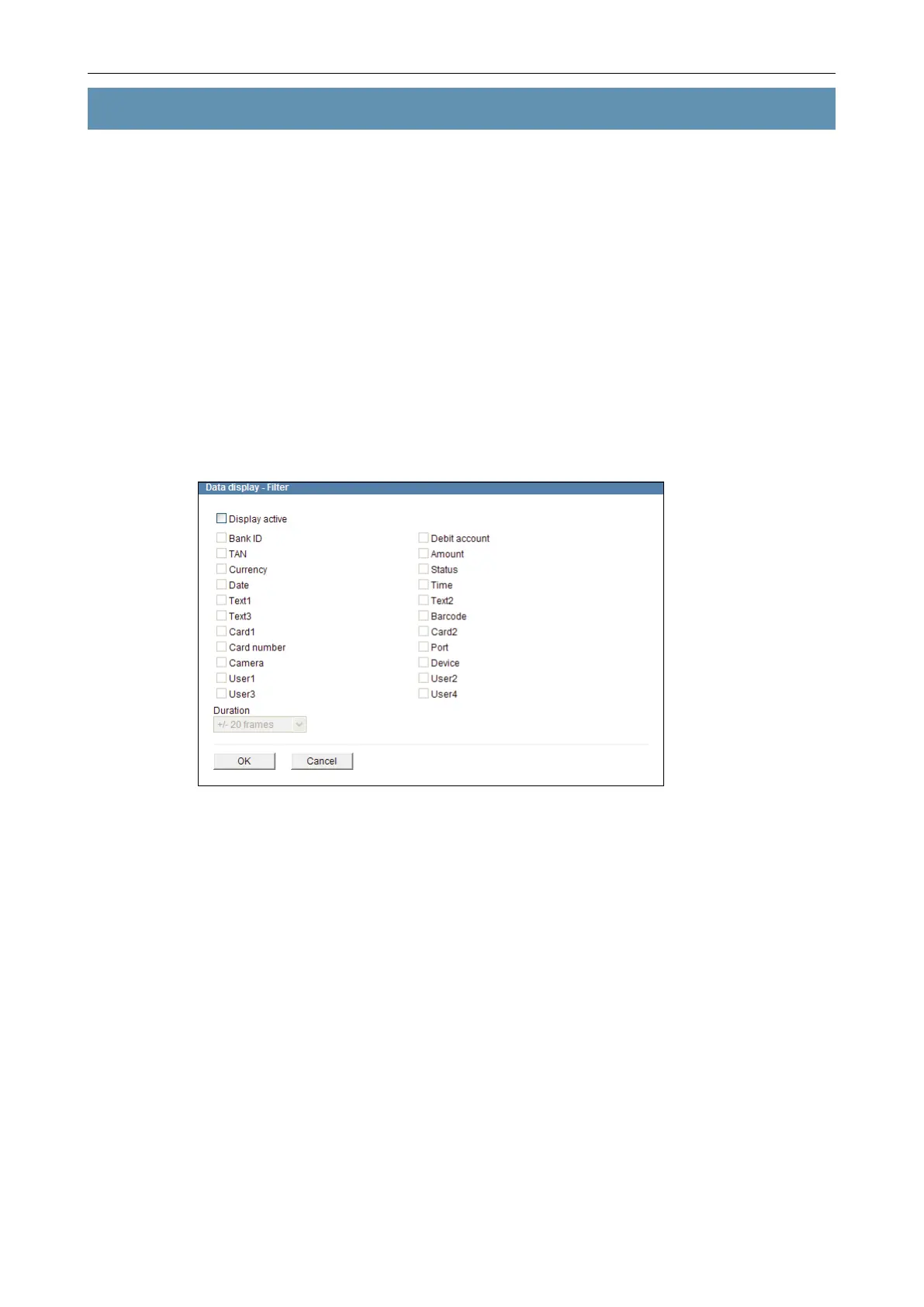
Open the Data display - Filter dialogue via Interfaces > Data display > Filter ....
Fig. 12-1
By default, no externally transferred data is embedded.
To embed externally transferred data, proceed as follows:
Activate the Display active checkbox.
Select the relevant data by activating the related checkbox.
Select the Duration.
Conrm with OK.
The externally transferred data is embedded in the current image (frame) that is captured
exactly at the moment when the data is received and stays embedded for the selected
Duration (frames).



 To Next Page