DF4910HD-DN | DDF4910HDV-DN-IM/-SM
www.dallmeier.com 40
Select the tab of the relevant group.
Enter a new Group name if required.
Enter a New password.
Repeat the new password in the Conrm password eld.
Finally, conrm with Apply.
8.4.1.2 User Login
In the “User login” mode, individual local users can be assigned to the three local user
groups.
Dene New User
Ensure that the Login mode is set to User login.
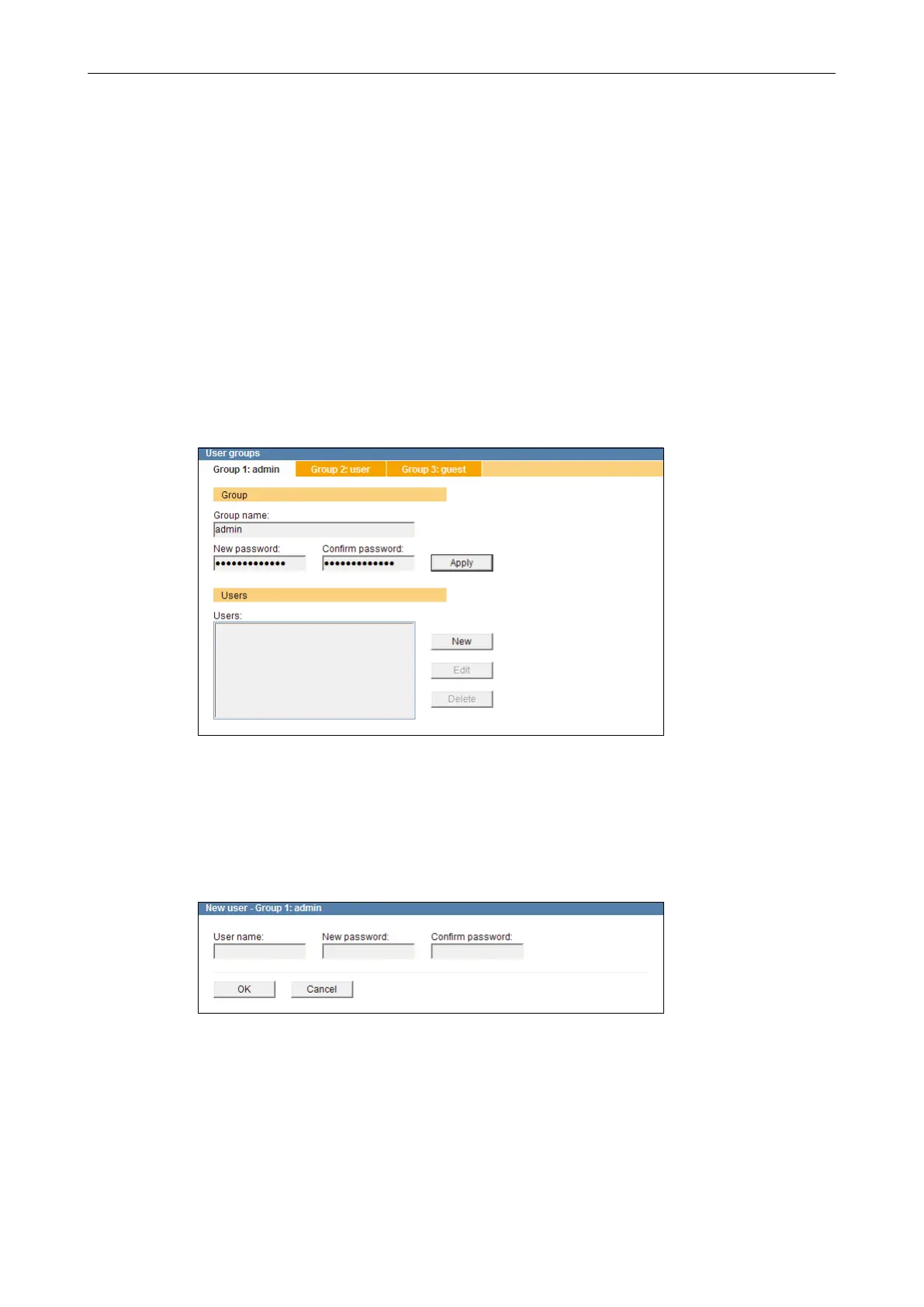
Open the User groups dialogue via
Common settings > User management > User groups ....
Fig. 8-8
Select the tab of the relevant group.
Click New.
The New user dialogue is displayed.
Fig. 8-9
Enter a new User name.
Enter a New password.
Repeat the new password in the Conrm password eld.
Finally, conrm with OK.



 To Next Page