DF4910HD-DN | DDF4910HDV-DN-IM/-SM
www.dallmeier.com 34
7.3 Login
The graphical user interface of the conguration mode is displayed after the successful
identication as authorized user.
The factory default admin password is “3”.
NOTICE
Risk of misuse by unauthorized users!
Change the factory default admin password as soon as possible.
Click CONFIG in the user interface of the live mode.
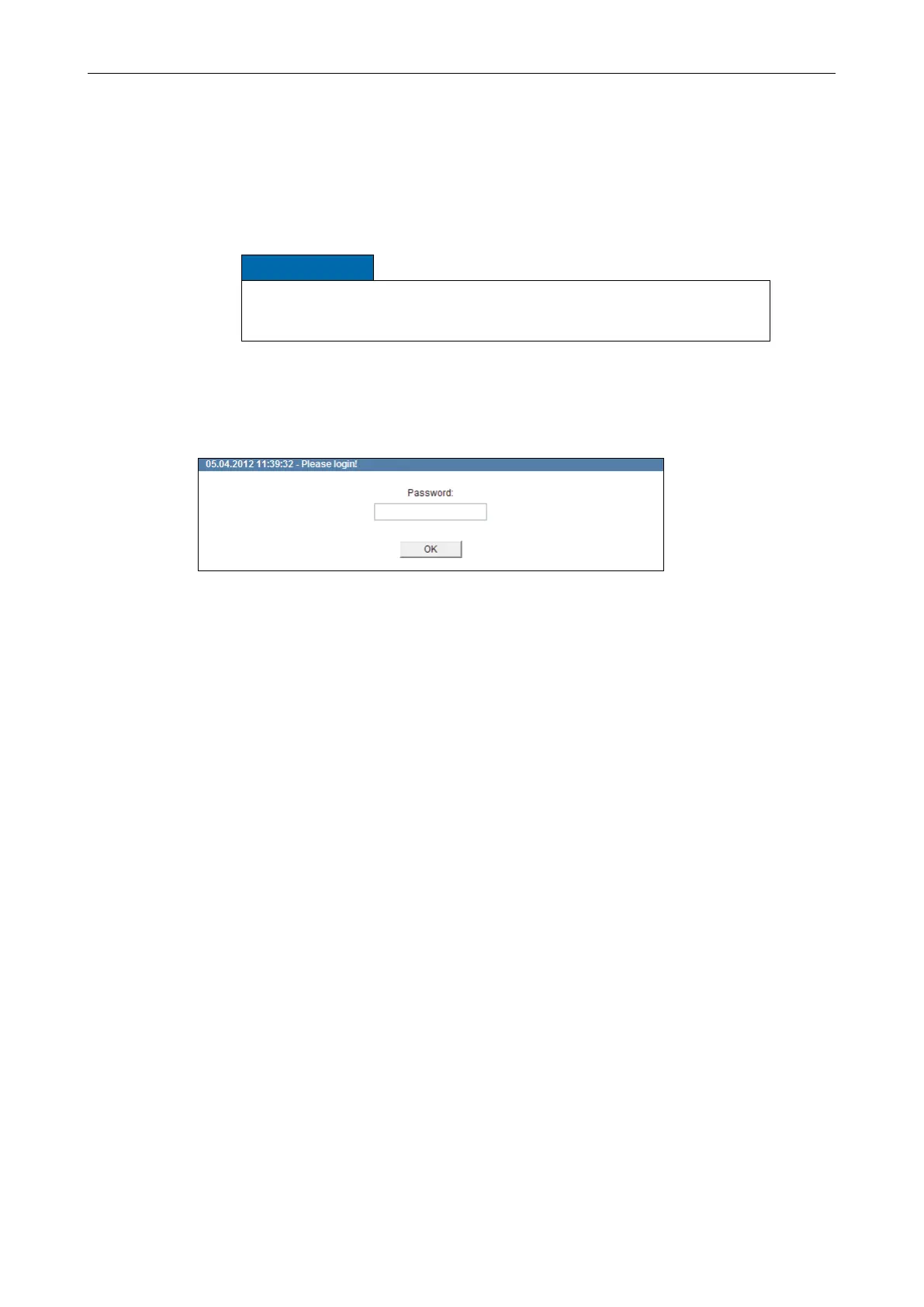
The login dialogue is displayed.
Fig. 7-2
Enter the Username (Default: “admin”) if required.
Enter the Password.
Conrm with OK.
The graphical user interface of the conguration mode is displayed.



 To Next Page