DF4910HD-DN | DDF4910HDV-DN-IM/-SM
www.dallmeier.com 45
The various rights are each displayed in one row.
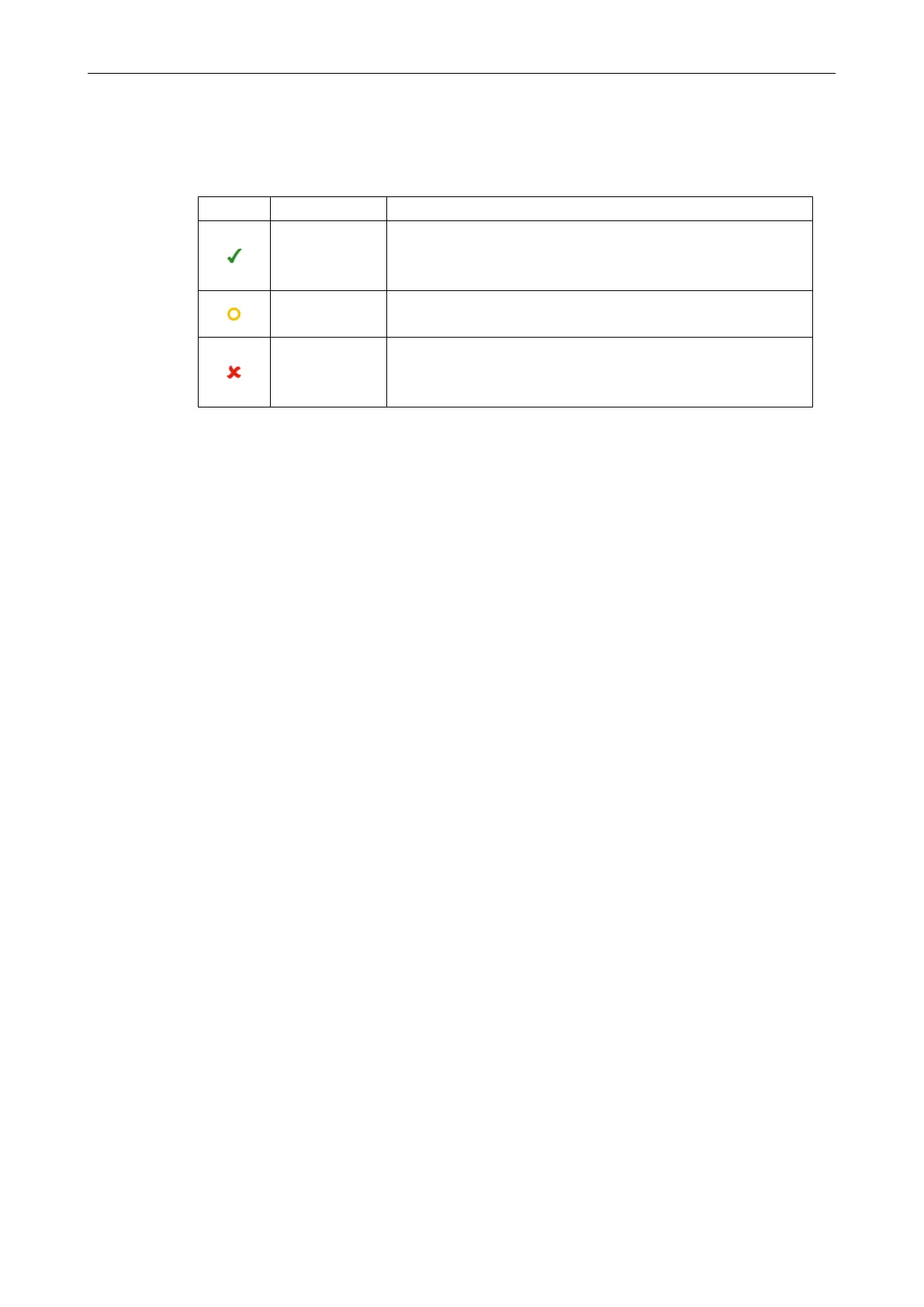
The permission level of each user group is displayed with a symbol in the corresponding
column (see below).
Symbol Tooltip Permission
allow
The dialogue will be displayed.
The settings can be changed.
The function can be used.
allow read only
The dialogue will be displayed.
The settings can not be changed.
deny
The dialogue will not be displayed.
The settings can not be changed.
The function can not be used.
Find the relevant right (row).
Change the permission level with a click on the symbol in the column of the relevant
group.
Proceed as described above for all rights and groups.
Finally, conrm with OK.



 To Next Page