DF4910HD-DN | DDF4910HDV-DN-IM/-SM
www.dallmeier.com 73
If necessary, enter the Ringbuffer size.
Select an encoder from the drop-down list Image source to dene the source of the
JPEG images.
The used encoder must be enabled (“Encoder 2” is disabled by default) and congured
for MJPEG encoding (see section “Encoder Settings” on page 64).
Click Test to check your conguration.
The test was successful if a new JPEG image is uploaded to the FTP directory you
specied.
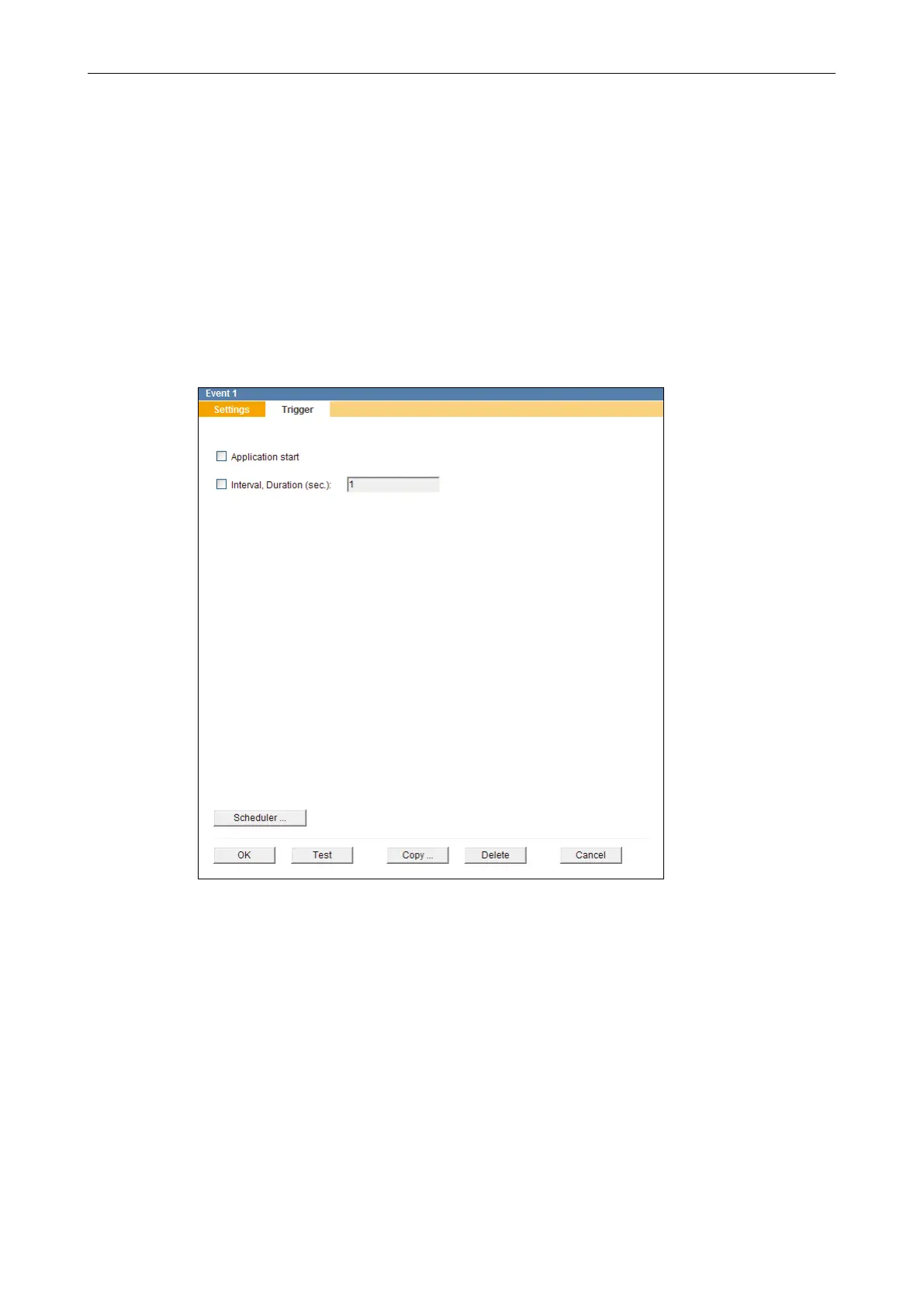
Select the Trigger tab.
Fig. 11-5
Select all relevant triggers which are supposed to initiate an FTP image upload by
activating the related checkboxes.
Finally, conrm with OK.
Interval, Duration (sec.)
This trigger option allows you to congure the automatic FTP upload of still images based
on a time interval.
The minimum time interval for FTP image uploads is 1 second.
The less the duration between two FTP image uploads is set, the more the network utili-
zation rate (trafc level, bandwidth consumption) may increase.



 To Next Page