DF4910HD-DN | DDF4910HDV-DN-IM/-SM
www.dallmeier.com 87
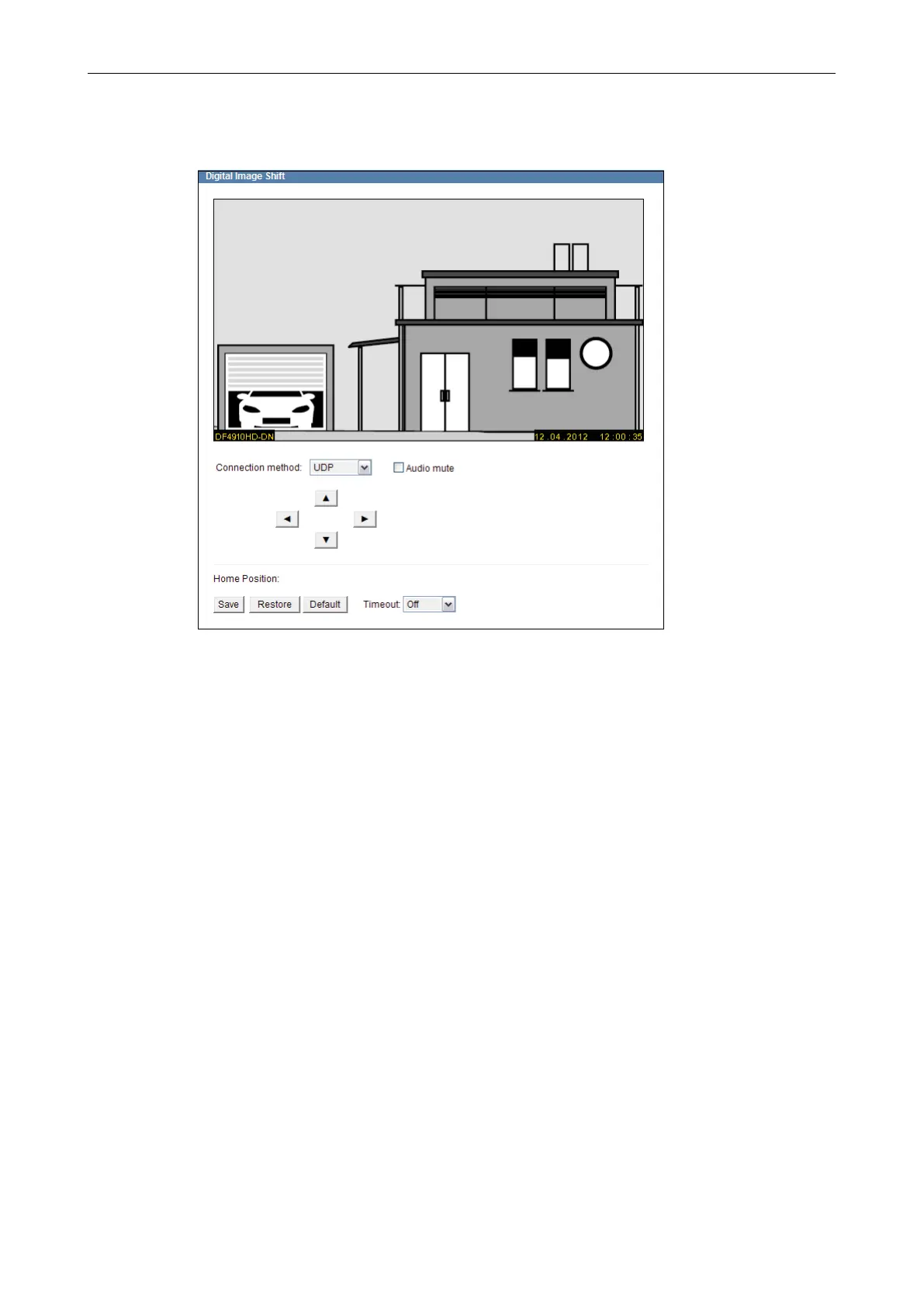
In the example below, the image section was shifted until the garage (on the left of the im-
age) is completely covered by the image capturing sensor.
FIg. 13-2
In order to apply the new image section, click Save.
If you want to restore the previously saved new image section, click Restore.
To restore the standard image section, click on Default.
Using the time-out function, allows you to activate the automatic recovery of the last
saved image section.



 To Next Page