Installation User Guide
10
Switching on the
printer
Before switching the printer on, make sure that it is connected correctly
and that you have followed all the safety and installation instructions
(see section Placing your printer, page 6).
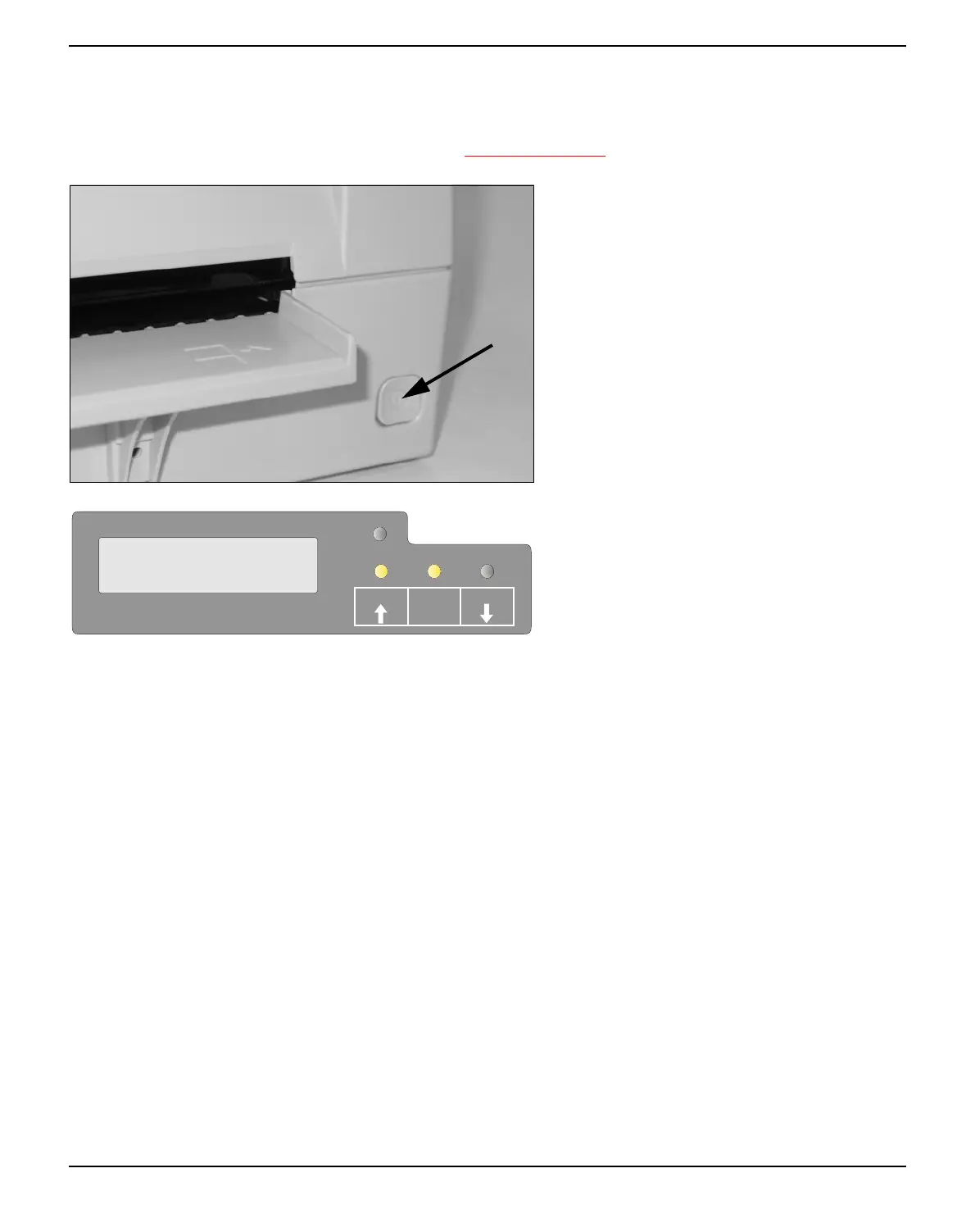
Press the power switch which is located at the
front bottom right of the printer to switch on
the printer.
The printer initializes.
When initialization is completed, the Ready in-
dicator and the USER1 indicator light up. The
message ONLINE NO PAPER appears on
the LCD. The printer is in the online status
and ready to accept data from the system. You
can now insert a document or passbook.
SETUP
STOP
/EJECT
USER1
USER2
ONLINE
NO PAPER
PAPER



 To Next Page