User Guide Replacing the print head
41
Replacing the print head
As the print head has a very long life, under normal circumstances it ra-
rely needs replacing.
Always take care not to print over the edge or on a fold or perfo-
ration, as this can damage the needles of the print head.
Damage of the needles will lead to a bad print image.
Should the print head be defective, you can replace it. Proceed as des-
cribed below.
Be sure to switch the printer off before you replace the print head.
Removing the print head
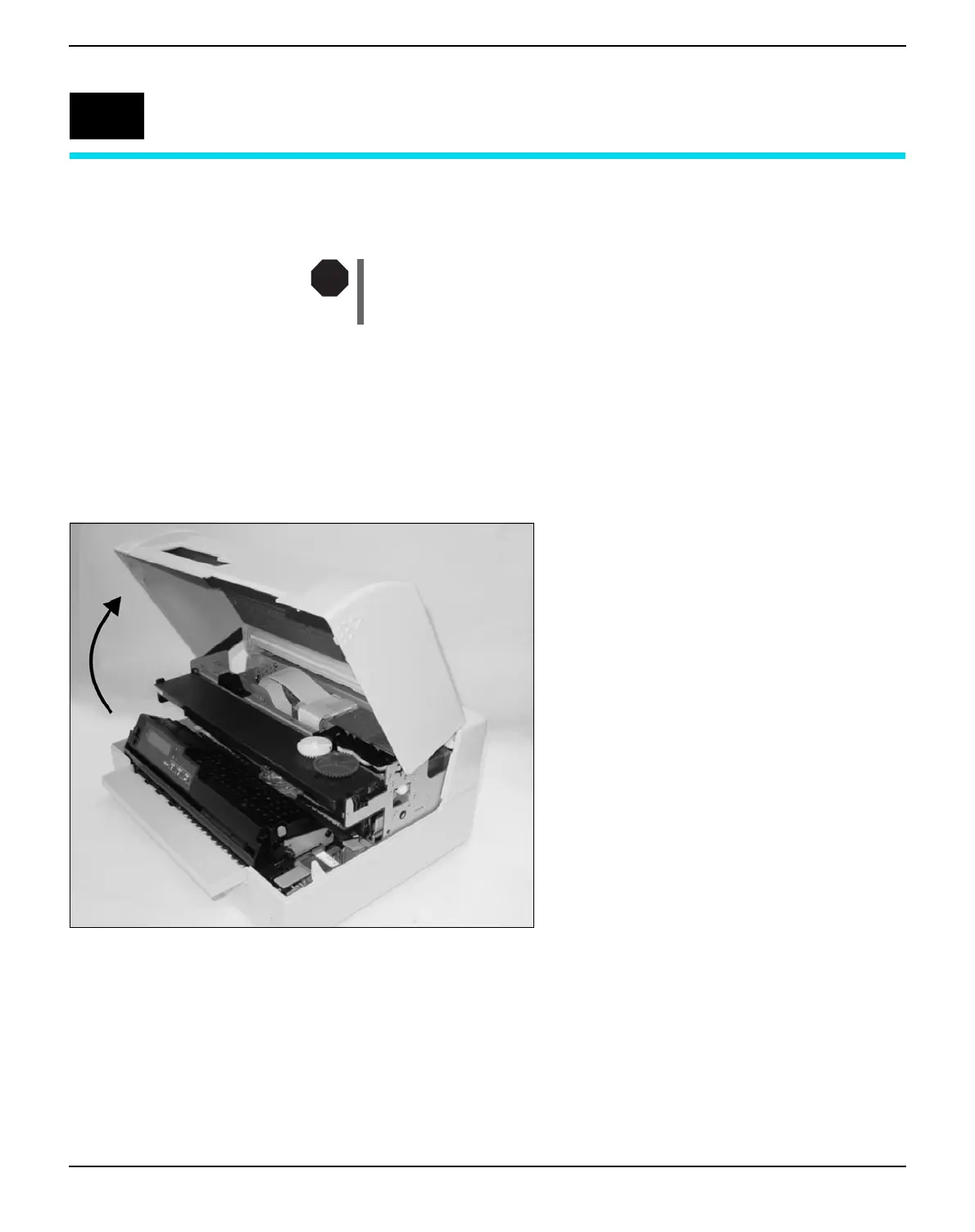
Open the top cover by grasping it at the right
and left-hand side and swing it upward until it
clicks into position.
7
STOP



 To Next Page