Print media User Guide
32
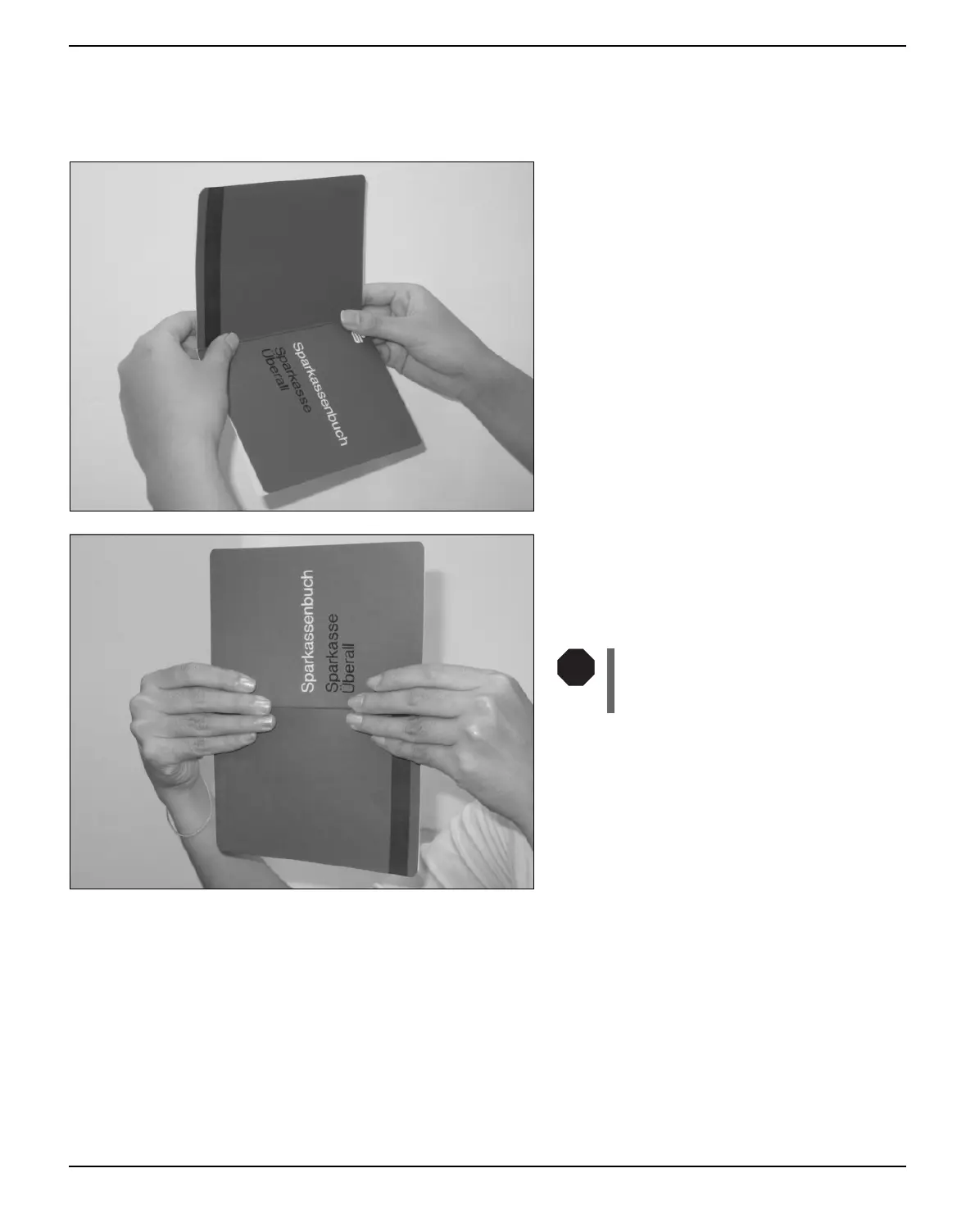
Inserting a passbook Before processing a new vertical-fold or horizontal-fold passbook, you
should eliminate the stiffness of the fold by proceeding as follows.
Open the passbook on the page that you want
to print. Bend the fold backwards extremely
hard.
Stroke along the fold of the passbook with
both thumbs and index fingers and slightly
bend the passbook outwards. To print a new
passbook, repeat this procedure several times.
If the passbook has a magnetic
stripe, take care not to crease or
damage it in any way.
STOP



 To Next Page