Control panel User Guide
28
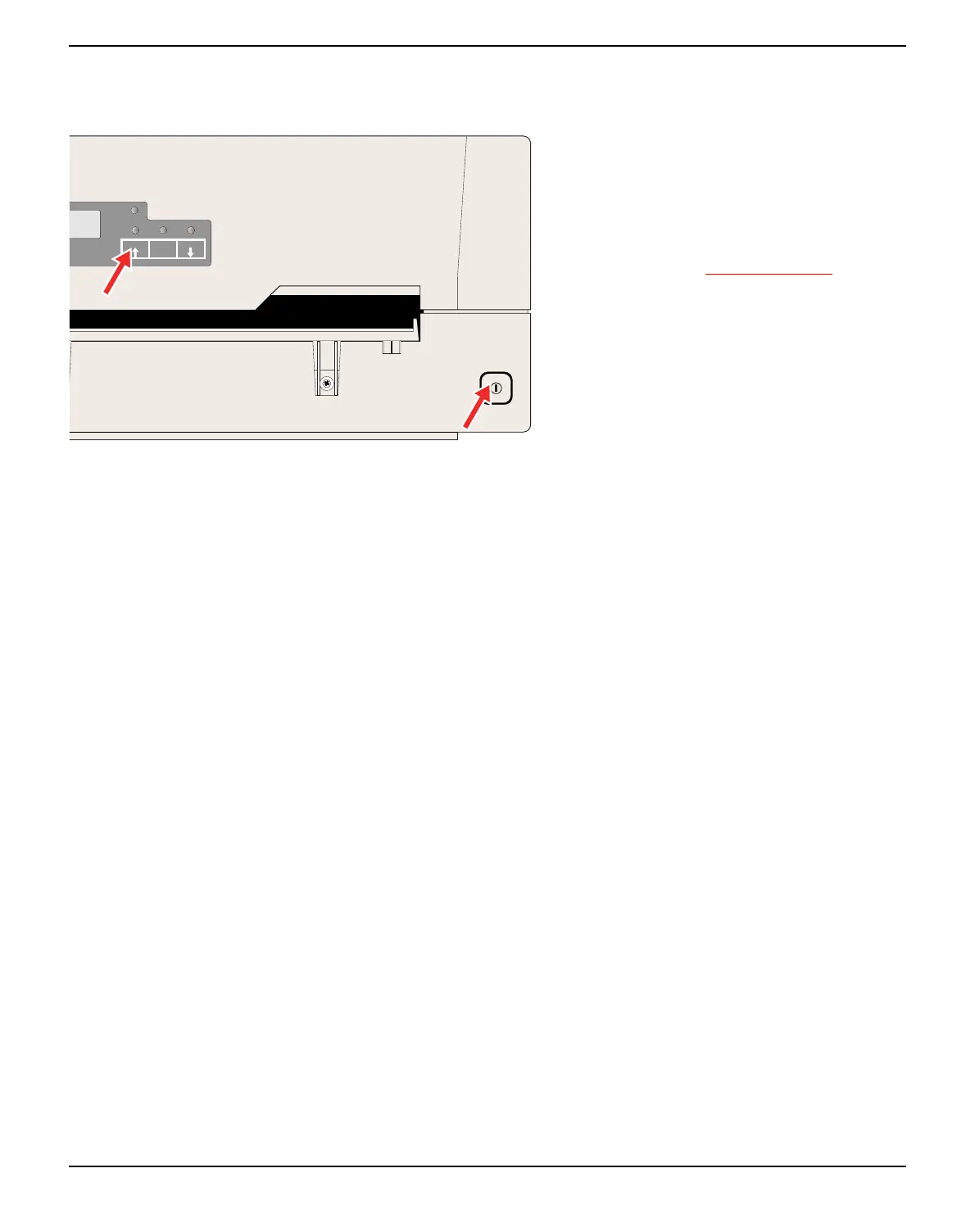
USER1 key
Powering on the printer whilst holding the
USER1 key will allow you to enter menu mo-
de. Keep the USER key pressed until the mes-
sage MENU USER appears on the LCD
display.
Refer to the section Menu parameters, page 59,
for further details on the menu mode.
SETUP
PAPER
STOP
/EJECT
USER1
USER2



 To Next Page