Menu User Guide
56
Print out status page in
menu mode
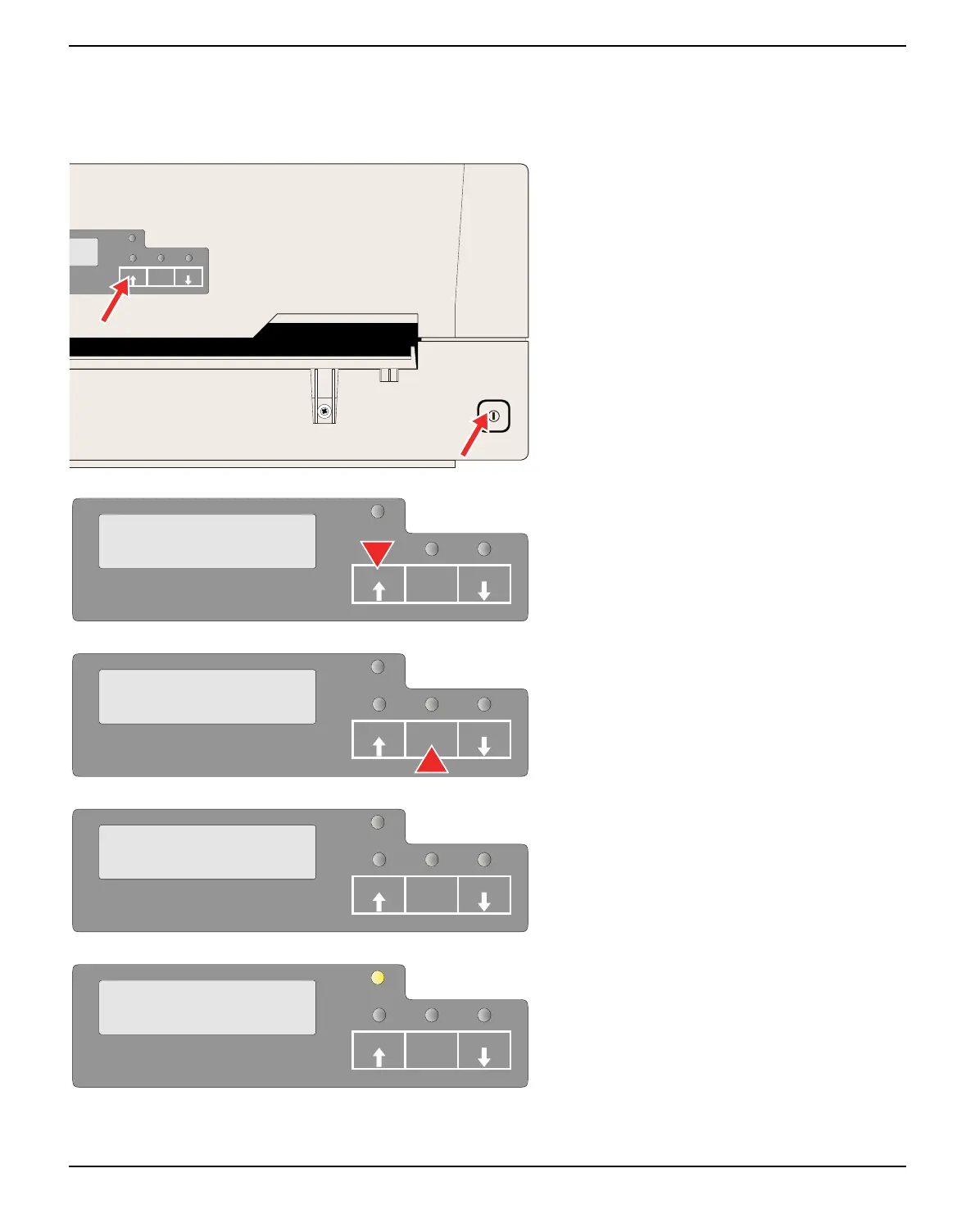
Power the printer off.
Press and hold the USER1 key while swit-
ching on the printer.
Press the USER1 key twice. The following
message appears in the LCD display:
Press the STOP/EJECT key.
Insert the paper in the printer. The LCD dis-
plays Print StatusPage Printing... and the
status page is printed.
The paper will be ejected once printing is com-
plete.
SETUP
PAPER
STOP
/EJECT
USER1
USER2
MENU
COMMON
SETUP
USER1
STOP
/EJECT
USER2
PAPER
SETUP
PAPER
MENU
Print StatusPage
USER1 USER2STOP
/EJECT
SETUP
PAPER
Print StatusPage
Load Paper
USER1 USER2STOP
/EJECT
SETUP
PAPER
Print StatusPage
Printing...
USER1 USER2STOP
/EJECT



 To Next Page