User Guide Menu
57
When the test printout is aborted or comple-
ted, LCD will display Print StatusPage Com-
pleted.
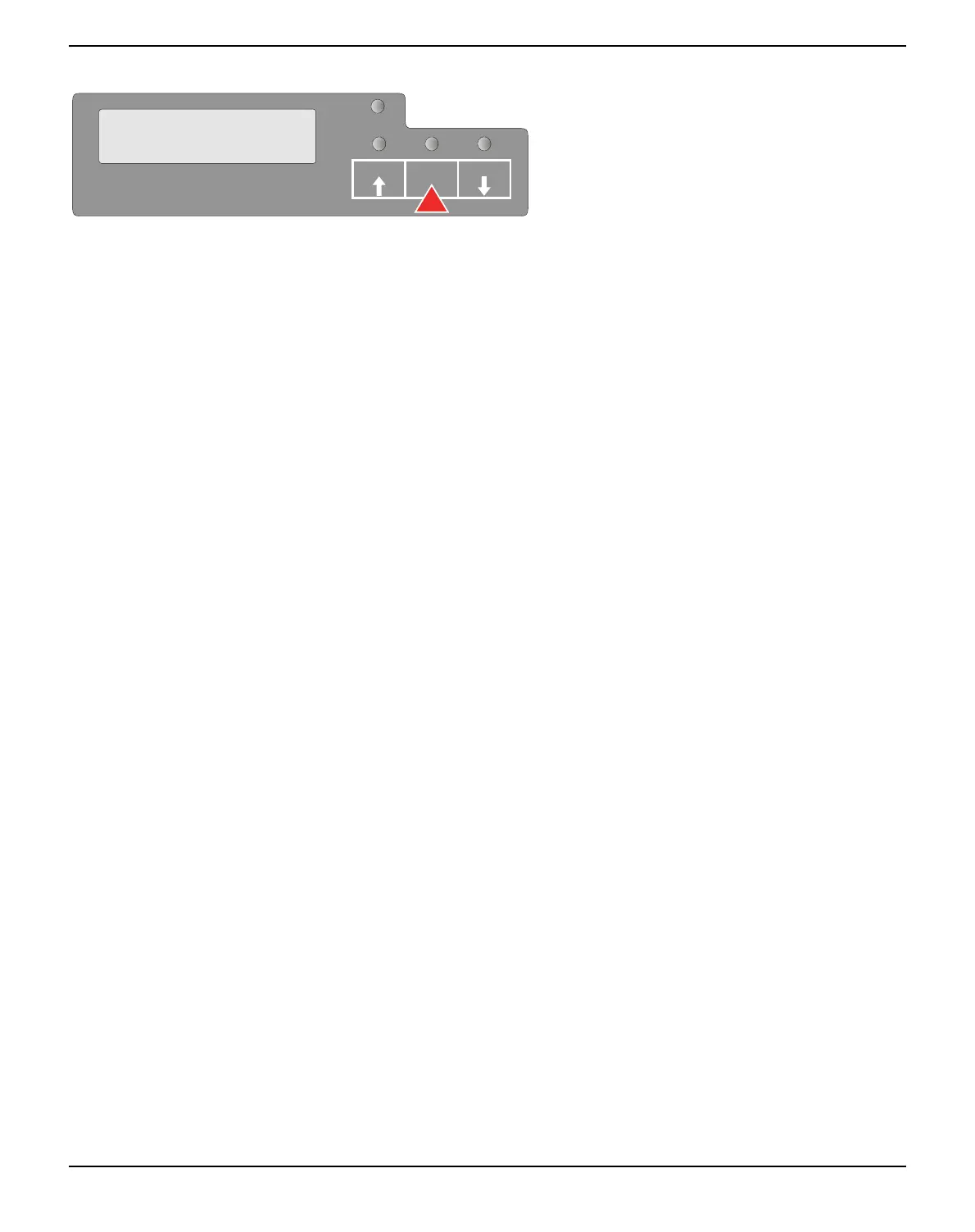
Press the STOP/EJECT key to return to
menu mode.
If you want to terminate Setup Mode after the printout of the status pa-
ge, hold the STOP/EJECT key pressed for three seconds after Print
StatusPage Completed is displayed. Setup mode will be ended and a
reset will be performed.
SETUP
PAPER
Print StatusPage
Completed
USER1 USER2STOP
/EJECT



 To Next Page