Control panel User Guide
26
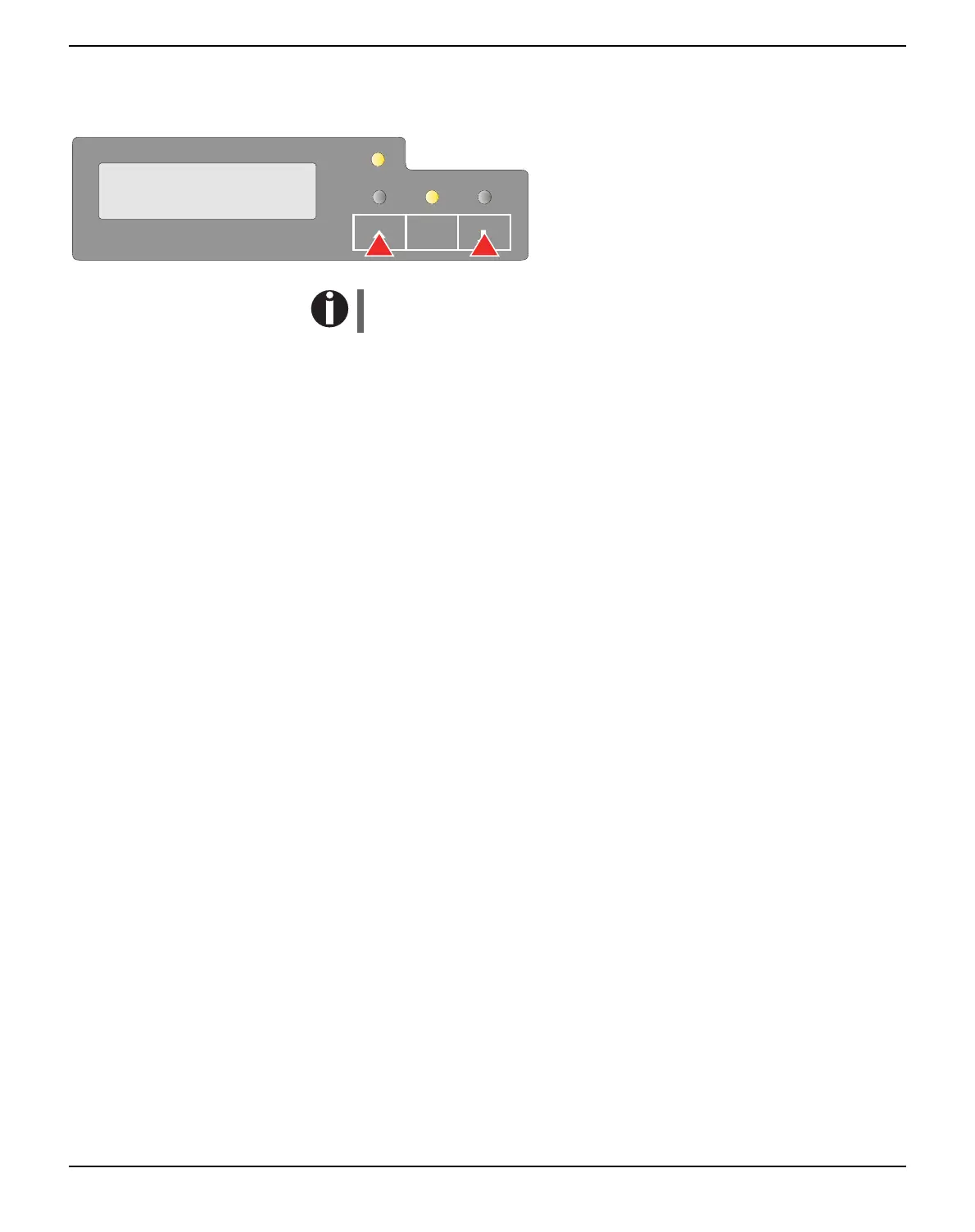
USER1 and USER2 key
The USER1 and USER2 keys are by default
inactive. They must be activated via an appli-
cation. The functionality of the keys then de-
pend on the selected emulation and the
sequences sent to the printer.
For more information on emulations and sequences please refer
to the programmer’s application manual.
SETUP
ONLINE
PAPER
PAPER
STOP
/EJECT
USER1
USER2



 To Next Page