Replacing the print head User Guide
44
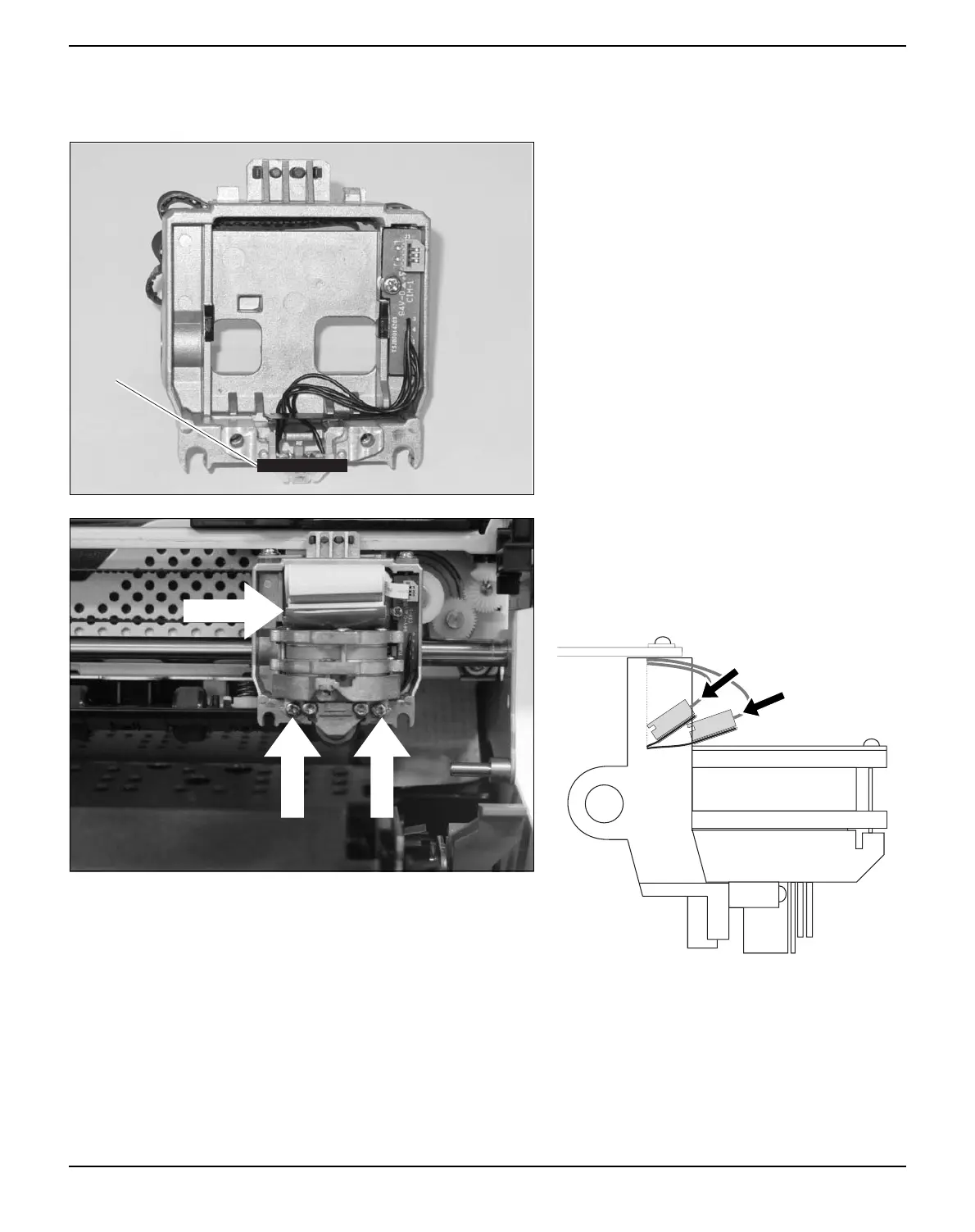
Inserting new print head
Ease the new print head down into the
mounting.
Set the print head onto the center of area A.
Fasten the two screws A.
Connect the flexible cables B to each connec-
tor. Make sure to push them fully into the con-
nectors; do not kink the cables.
A
A
B



 To Next Page