Menu User Guide
52
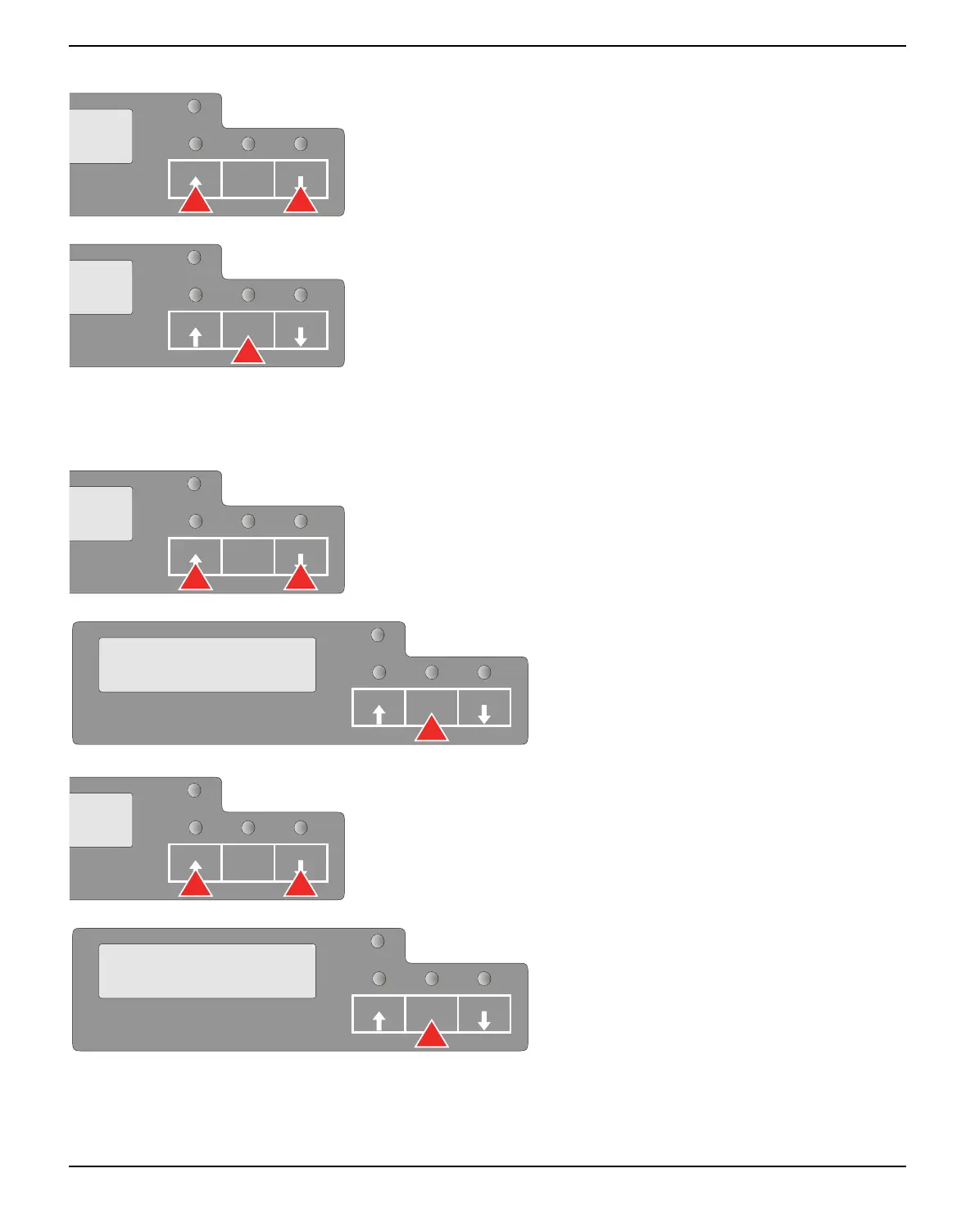
Press the USER2 key to select a next parameter value or press the
USER1 key to select a previous parameter value.
Press STOP/EJECT key to save a parameter value. In the second line
of the LCD display the message Accepted appears. Press STOP/
EJECT key again to confirm the setting.
Terminating menu mode
Repeatedly press the USER2 key or the USER1 key until the LCD
displays the message:
Press the STOP/EJECT key.
Repeatedly press the USER2 key or the USER1 key until the LCD
displays the message:
Press the STOP/EJECT key. Menu mode is
terminated and the printer initializes.
SETUP
PAPER
USER1 USER2STOP
/EJECT
SETUP
PAPER
USER1 USER2STOP
/EJECT
SETUP
PAPER
USER1 USER2STOP
/EJECT
SETUP
PAPER
Return to
Prev. Layer
USER1 USER2STOP
/EJECT
SETUP
PAPER
USER1 USER2STOP
/EJECT
SETUP
PAPER
MENU
Exit
USER1 USER2STOP
/EJECT



 To Next Page