Troubleshooting User Guide
76
Clearing paper jams If a document which was fed into the printer is not automatically ejec-
ted or ejected after pressing the STOP/EJECT key on the control pa-
nel after its processing, a paper jam has occurred inside the printer and
is displayd in the LCD display. The paper jam must be cleared manually.
The print head may be hot if the printer has been printing for a
long time. Wait until it has cooled down so that you are not in
danger of being burnt.
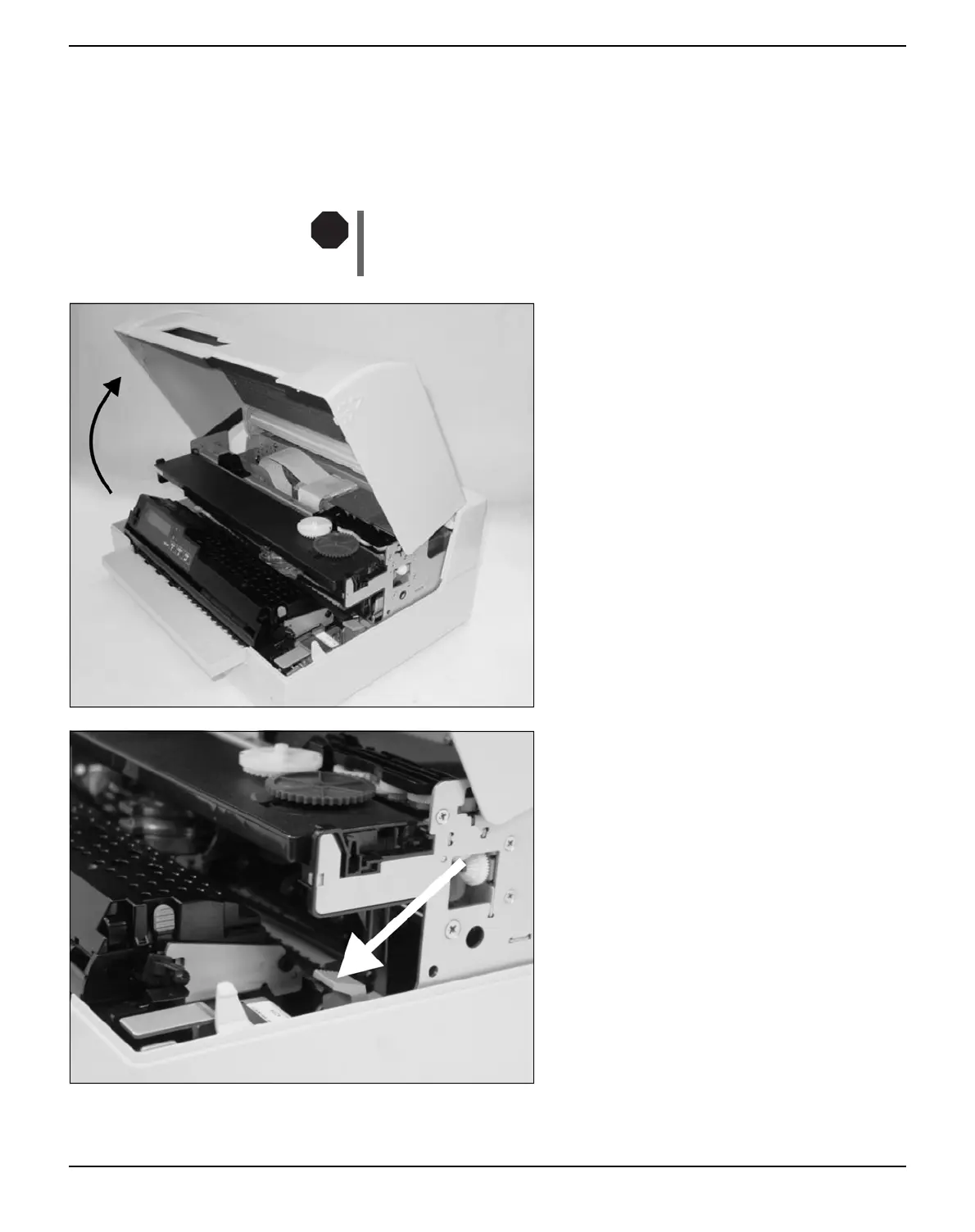
Open the cover by grasping it at the right and
left-hand side and swing it upwards until it
clicks into position.
Press the green release lever for the printing
mechanism. This swings the printing mecha-
nism backwards.
STOP



 To Next Page