User Guide Replacing the print head
45
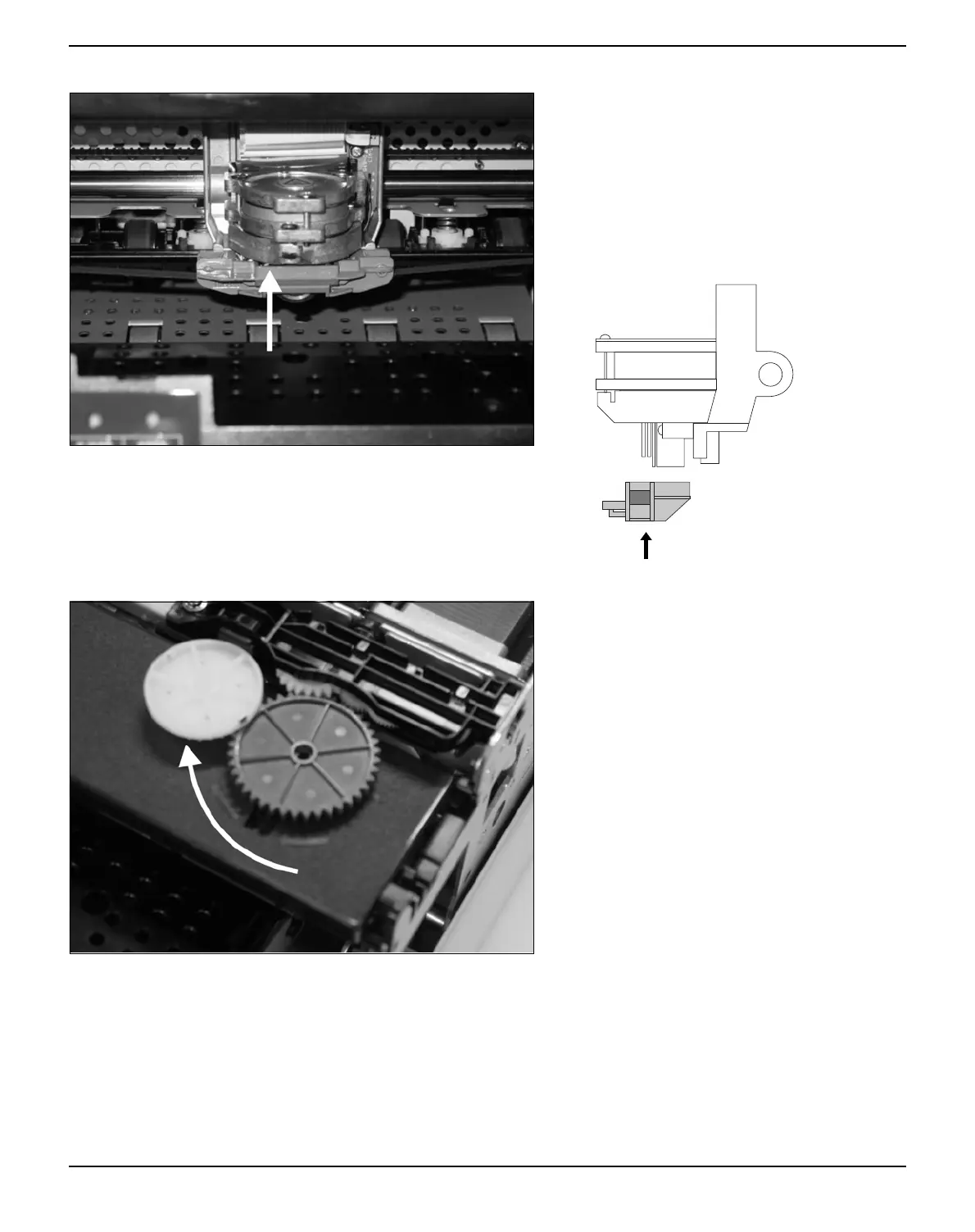
Pull the ribbon guide under the print head.
Tighten the ribbon by turning the tension gear
in the direction of the arrow (see image be-
low).
Press the ribbon guide onto the print head
from underneath until you hear it click into
place.
Ensure that the ribbon material is moving cor-
rectly by turning the tension gear in the direc-
tion of the arrow.



 To Next Page