Changing the ribbon cassette User Guide
36
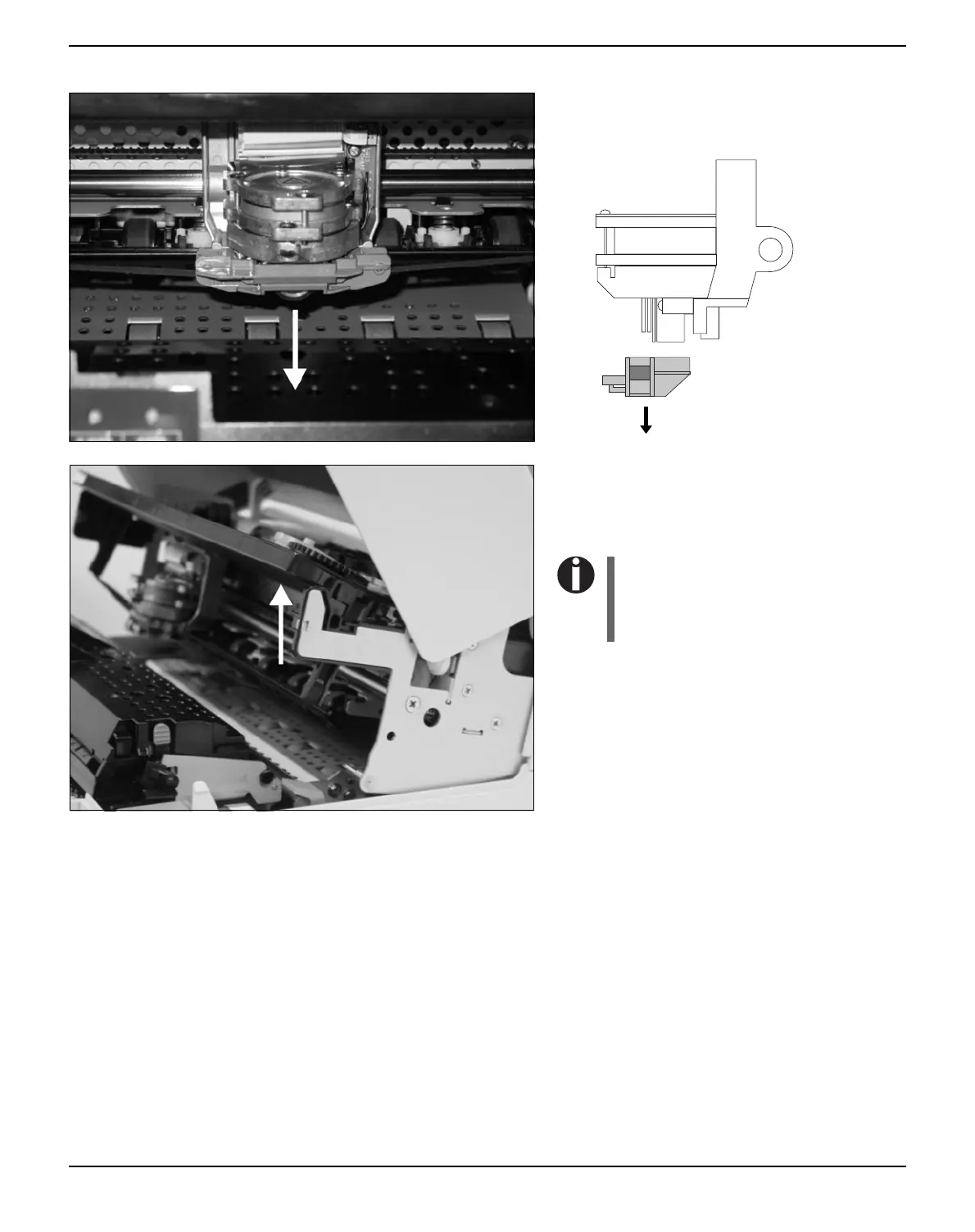
Remove the colored ribbon guide from the
print head by pulling it downwards.
Raise the front end of the ribbon cassette on
both sides. Take the ribbon cassette out of the
printer.
Ensure proper disposal of used
ribbon cassettes in accordance
with the applicable national laws
and regulations.



 To Next Page