User Guide Changing the ribbon cassette
39
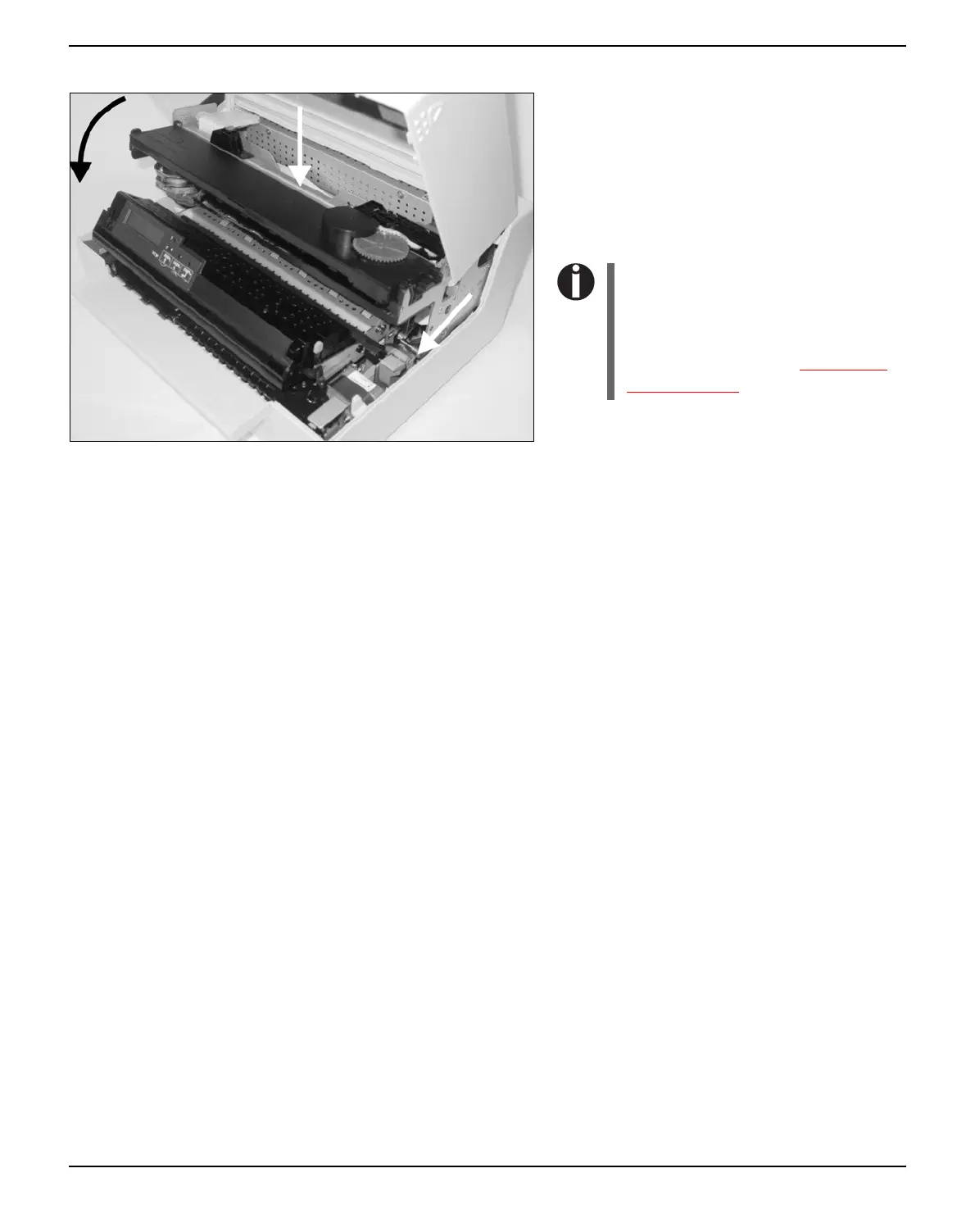
Close the main frame by pressing the colored
section in the middle of the frame as shown
and ensure both left and right hand sides of
the frames are fully latched.
Close the cover. The printer is now ready to
operate and to be switched on again.
We recommend to check the
printer's operation after replacing
the ribbon cassette by perfor-
ming a printout of the parameter
settings (see section Printing out
the status page, page 55).



 To Next Page