Operation ■ Safety Messages and Precautions
—10— Data I/O • 096-0461-001G
back
Safety Systems
The PSV7000 System has several safety systems to prevent personal
injury and system damage. These systems include E-Stops and safety
doors. If your system has a Laser Module, it comes with a fume
extractor.
Emergency Stop (E-Stop) Buttons
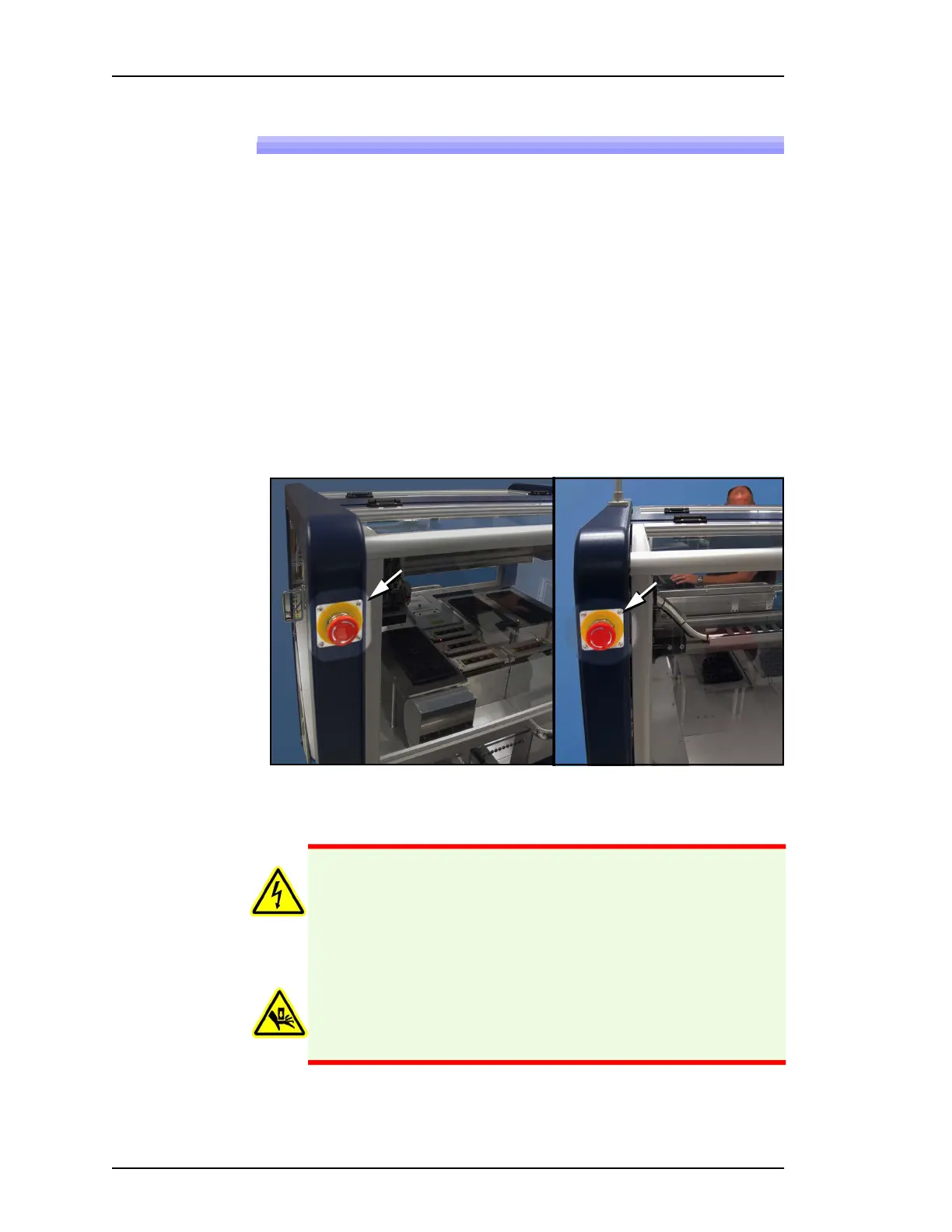
Two large, red Emergency Stop buttons are located near the top of the
PSV7000 System—one on front and one on the back of the machine.
When an E-Stop button is pressed, the gantry stops moving immedi-
ately. See the warning below.
To recover from an emergency stop, see To restart the System on
page 64.
.
Figure 2: There are two Emergency Stop (E-Stop) buttons: on left front
and on left back of the frame.
Front
Back
WARNING: Shock hazard! Pressing an E-Stop button removes
power from the motion controller (gantry) only, and stops com-
munication to the Laser Marking head. It does not remove elec-
trical power from PSV7000 or any optional equipment
installed. Turn the main power OFF before opening metal
access doors.
Pinch hazard! The E-Stop does not shut off air. Socket actuators
can still move down and up.



 To Next Page