■ Running a Job on PSV7000 ◘ List of Steps to Start a Job
PSV7000 Operator’s Manual —59—
back
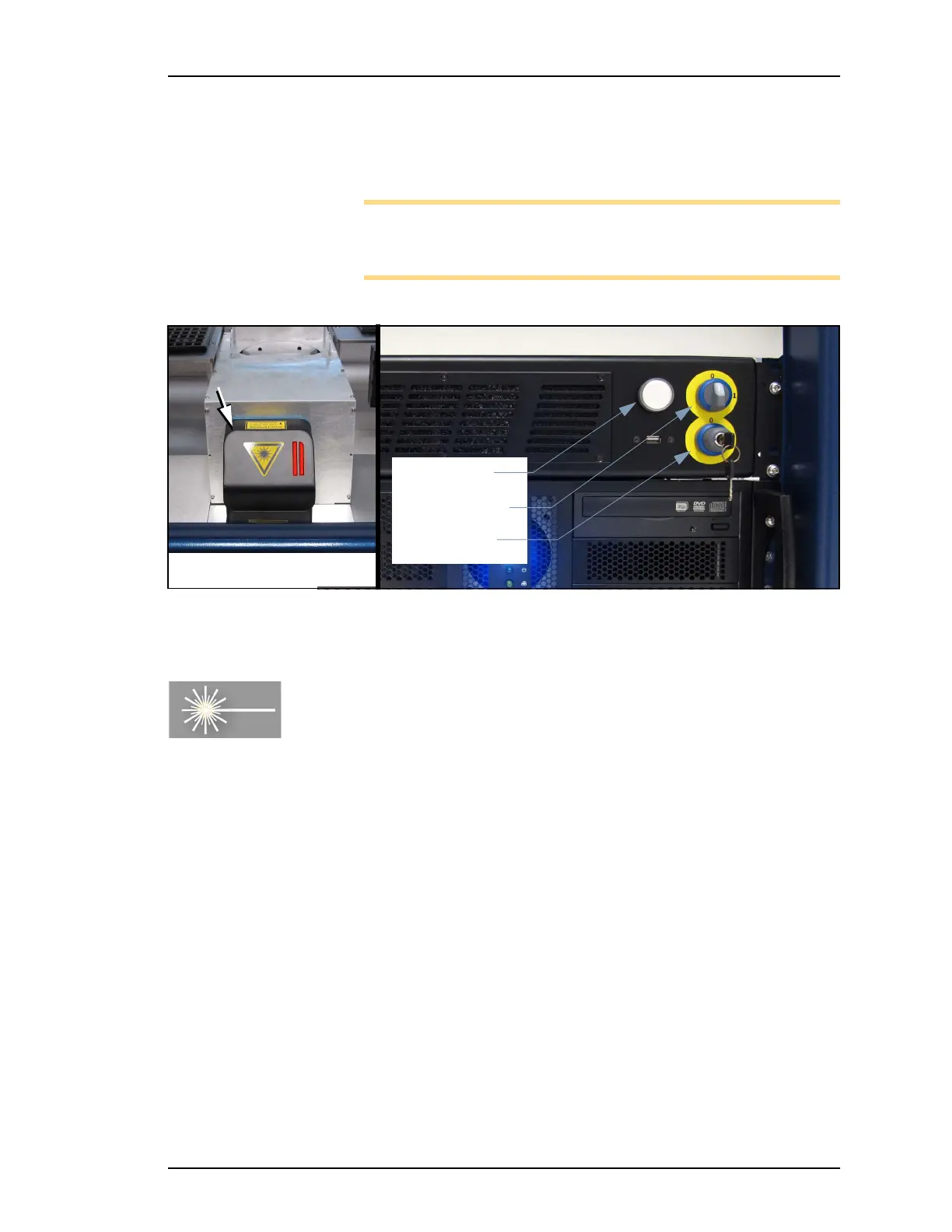
2. Turn the Enable selector OFF.
3. Turn Key selector ON.
4. Turn Enable selector ON.
Note: Depending on laser interlock status, the lamp may never
turn solid RED, but blinking orange if the Laser cover is open or
Laser rotor is not in marking position.
Figure 41: The Laser PC sits above the Handler PC on the left side of
the PSV7000 Machine.
(Optional) View of Laser Status
The DataLogic Laser software reports status in the Windows Taskbar
when that software is active.
To Start DataLogic Laser Engine software:
1. On the keyboard press keys Scroll Lock twice, then number 2 to
switch to the Laser PC. (The Lighter Engine software should be
running.)
2. Mouse-over the Lighter icon in the Windows taskbar. See Figure
42.
Status Lamp
Enable Selector
Key Selector
Marking [Scan] Head



 To Next Page