■ Running a Job on PSV7000 ◘ List of Steps to Start a Job
PSV7000 Operator’s Manual —53—
back
10» (Optional) Preselecting
Programmers
PSV7000 can be configured with up to 24 FlashCORE programmers,
or up to 14 LumenX programmers, or a mix of both, depending on
other options installed. However, a programming job can only be run
for one type of programmer at a time.
To improve efficiency, shut off programmers that are not used for a
particular job as follows:
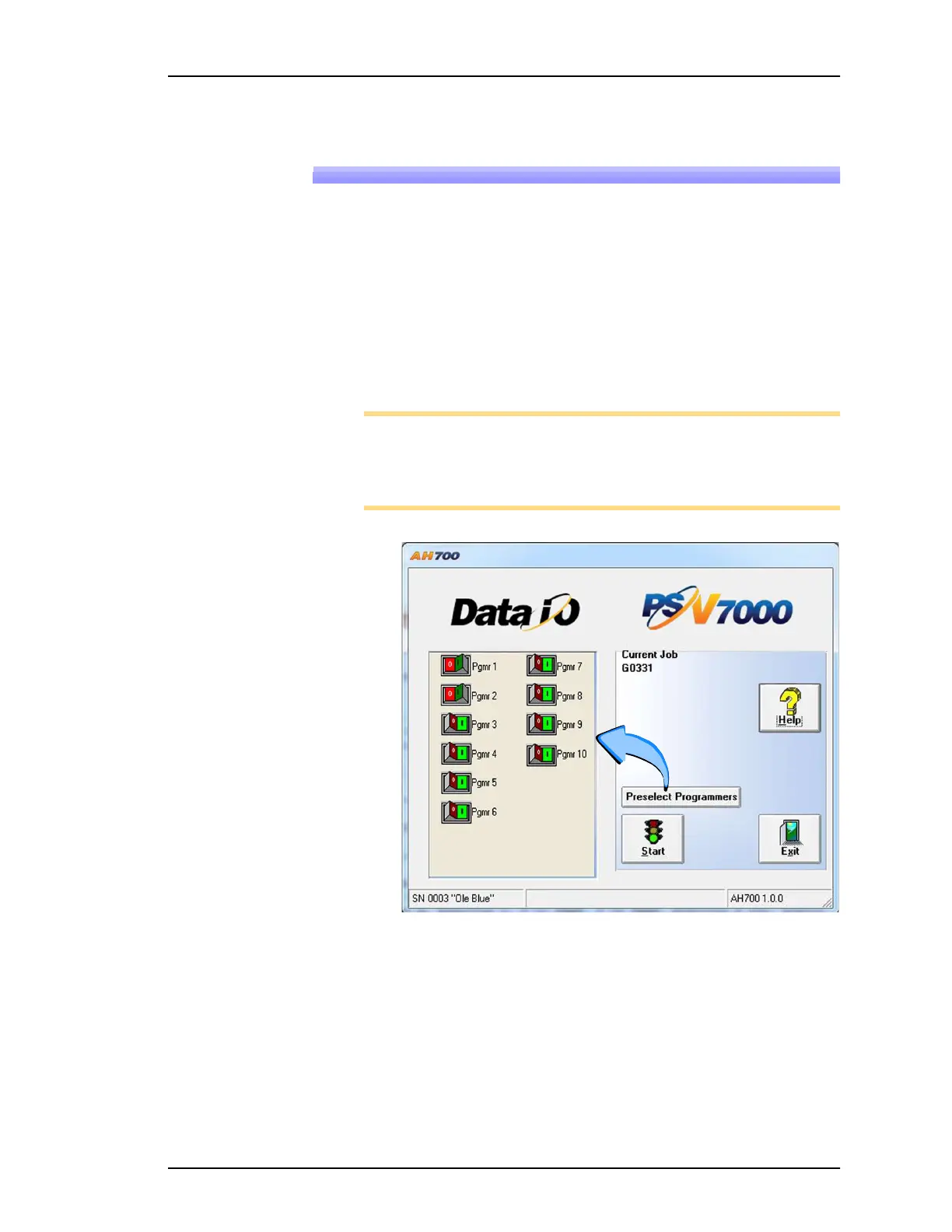
1. At the AH700 Main window, click Preselect Programmers. Refer
to Figure 37.
2. Click I (green side) of the Unlock Cnf button to allow changes.
Note: If a programmer does not have a Socket Adapter, or an incor-
rect Socket Adapter is installed, the programmer will automatically
be disabled.
Note: Only programmer types for the current job are displayed.
Figure 37: Preselect Programmers has been clicked. In this image,
programmers 1 and 2, are disabled.



 To Next Page