■ Running a Job on PSV7000 ◘ List of Steps to Start a Job
PSV7000 Operator’s Manual —51—
back
Using LumenX Data Management Software
1. Double-click the LumenX DMS icon.
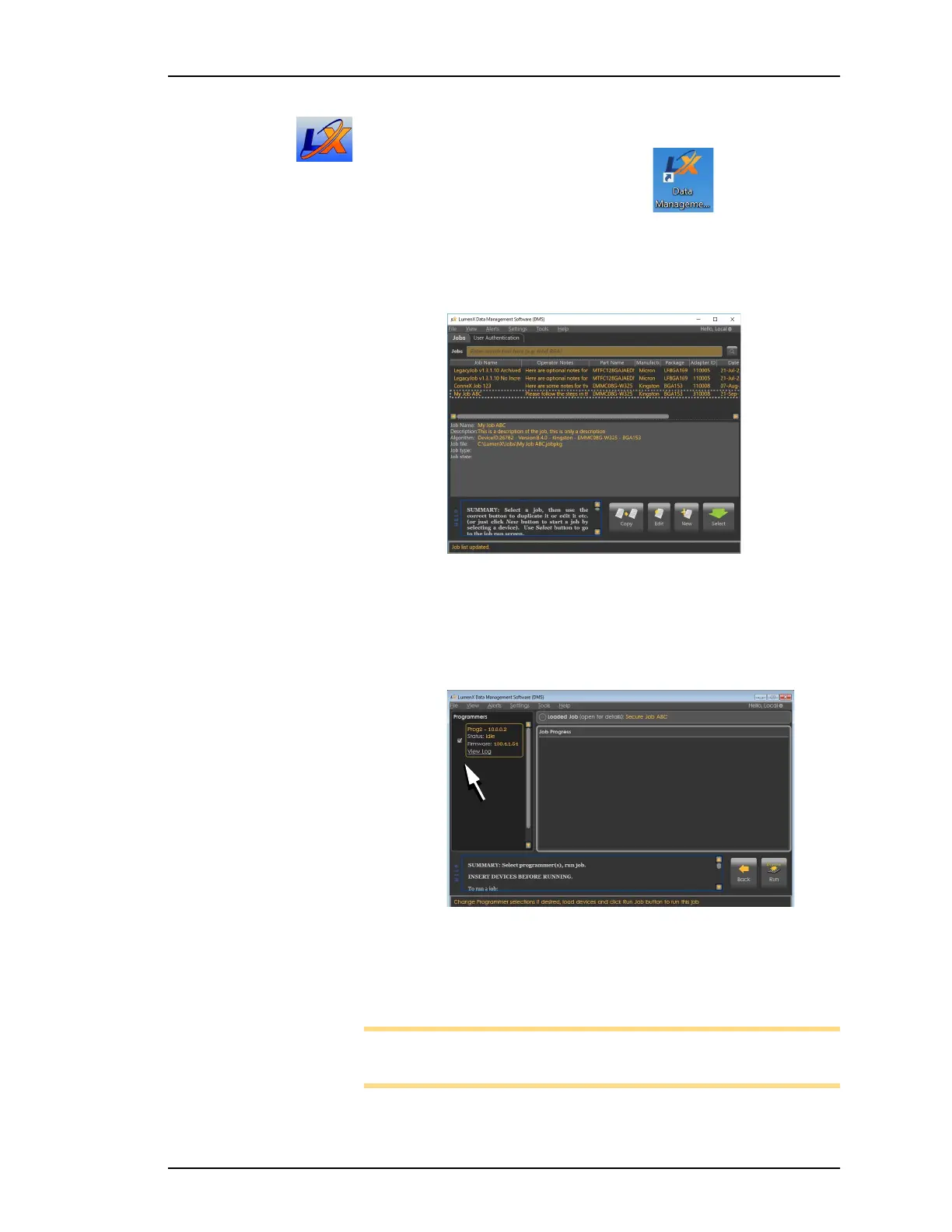
2. Click your job name.
If no jobs display, see the on-screen Help for pointing LumenX
to the correct directory.
3. Click Select.
Figure 34: At the main window the selected job is boxed.
4. Check the desired programmers (right column).
Figure 35: Only one programmer is selected (or even available) in this
view of the Run window.
5. (Optional) View the job details by clicking the Loaded Job
drop-down arrow.
Note: LumenX must be in PSV Mode for it to open AH700
(
Settings > Settings,
set Presenter Mode to
PSV Mode
).



 To Next Page