Operation ■ Running a Job on PSV7000
—60— Data I/O • 096-0461-001G
back
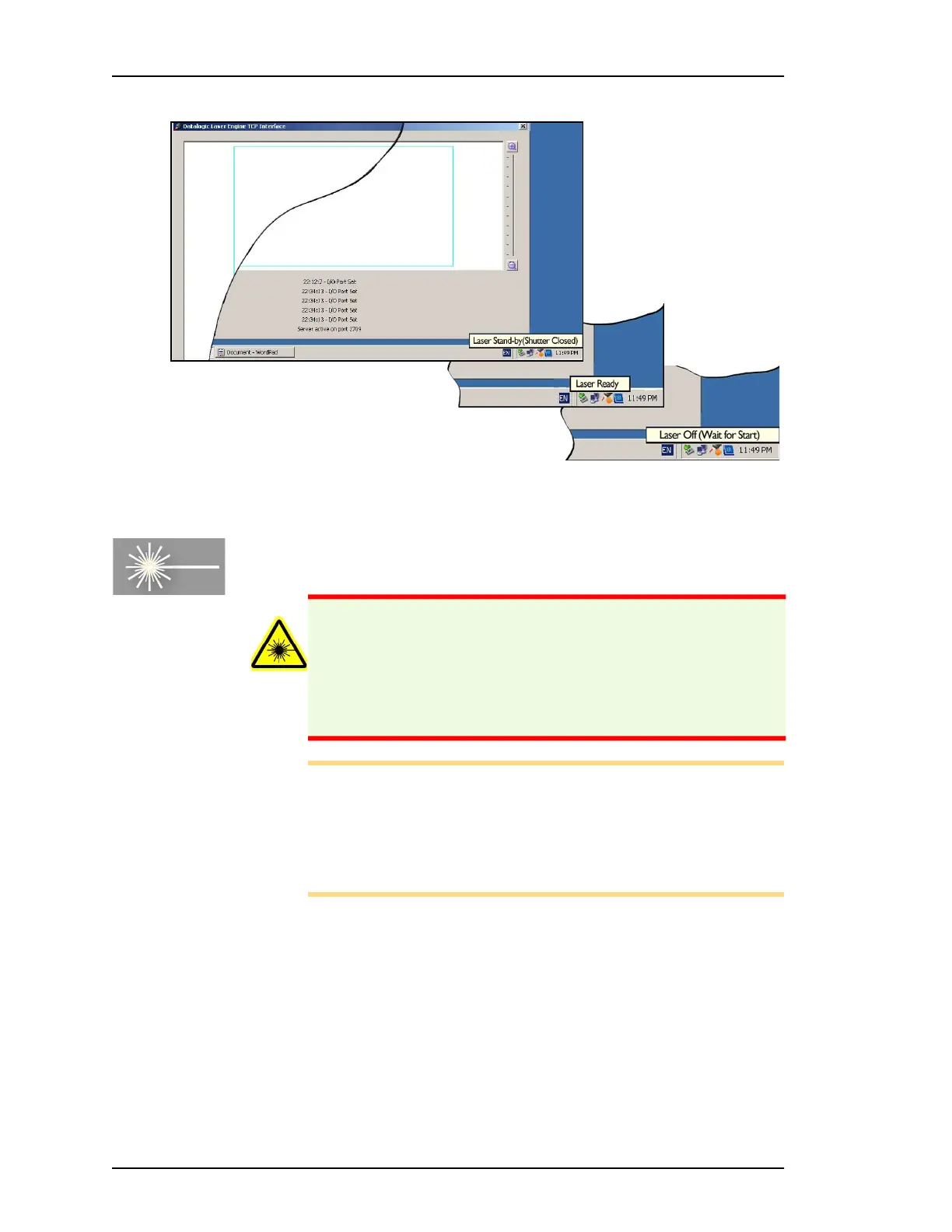
Figure 42: Tool tip icons indicating laser status.
Starting the Fume Extractor (if not already)
Note: The Fume Extractor must run when using the Laser marker.
A warning message will alert you if you are laser marking devices
and the fume extractor is not on.
If for some reason the Fume Extractor is not running, follow the
steps below to turn the Fume Extractor power ON.
To manually start the Laser Fume extractor,
1. Turn the PSV7000 power is OFF. Refer to Turning PSV7000 Sys-
tem Power OFF on page 72.
2. Open the back, lower access doors.
3. Turn the fume extractor power ON. See Figure 43.
WARNING: Health hazard! Laser marking generates vapors,
fumes, and particles that may be noxious, toxic, or even fatal.
Ensure that the fume extractor is running when laser marking
devices.



 To Next Page