■ Running a Job on PSV7000 ◘ Stopping the System
PSV7000 Operator’s Manual —65—
back
If it fails, then click Abort to close the AH700 application.
3. Reselect the job in TaskLink or Job Runner and click Run.
Pausing a Job
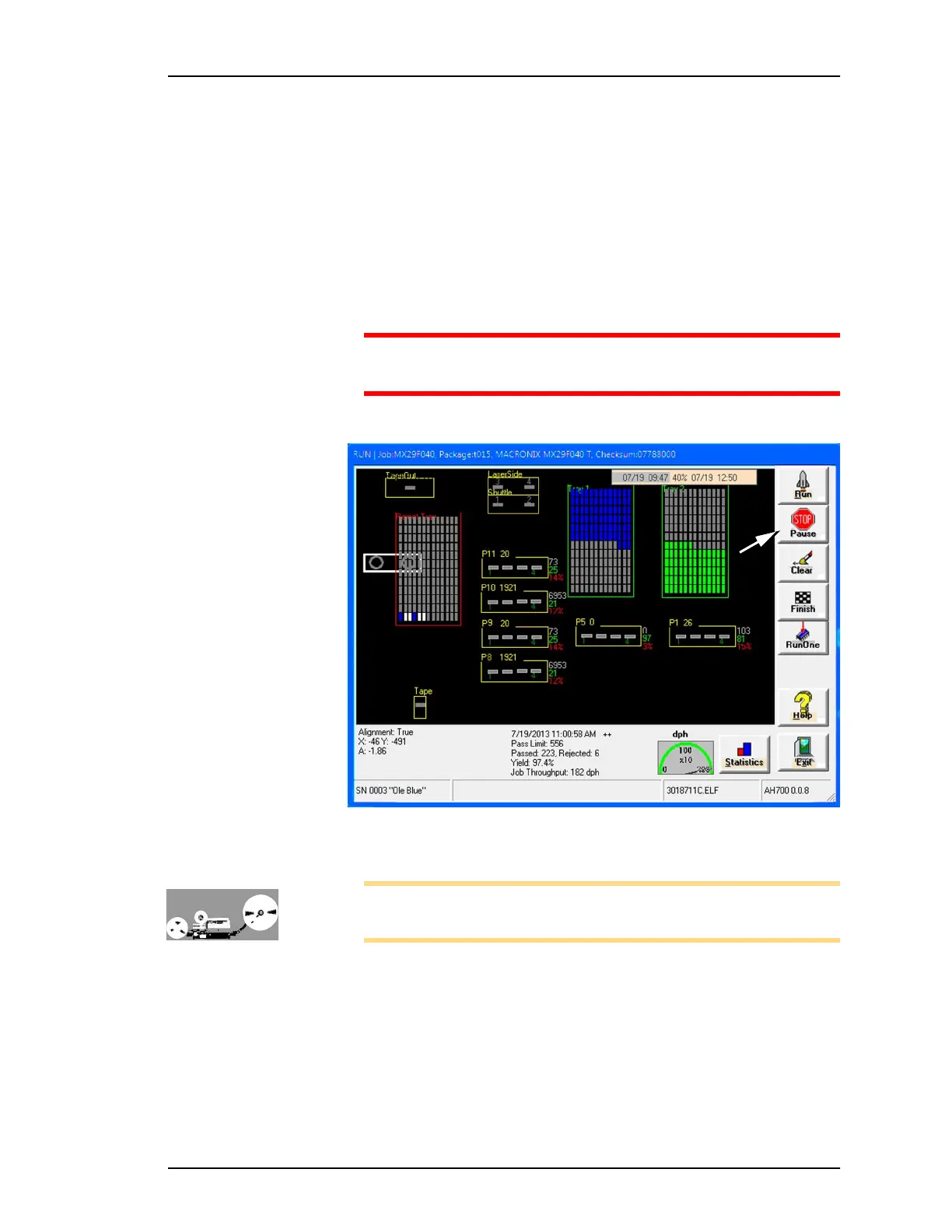
To pause a job (stopping the Gantry) click Pause on the Run window.
Devices being programming will finish programming. This is the pre-
ferred method of pausing the system in a non-emergency situation.
CAUTION: Personal safety hazard. Do not open safety doors until
all movement of the machine has stopped.
To resume, click Run. Refer to Figure 48.
Figure 48: The Run window. Click Pause to stop a job you wish to
continue next. After clicking Pause, the Tower Lamp changes to yellow.
Note: When restarting a job that uses Tape Output, pull the red
E-Stop/On button on the taping machine to start it.
To remove all devices that are currently in pro-
grammers:
Click Clear on the Run Window. All devices will be removed from the
programming sockets and placed in the reject container.



 To Next Page