Operation ■ Running a Job on PSV7000
—64— Data I/O • 096-0461-001G
back
Note: Job throughput as displayed in the Run window is affected
by the length of time a job is paused. Nominal throughput
excludes paused time.
Emergency Stop
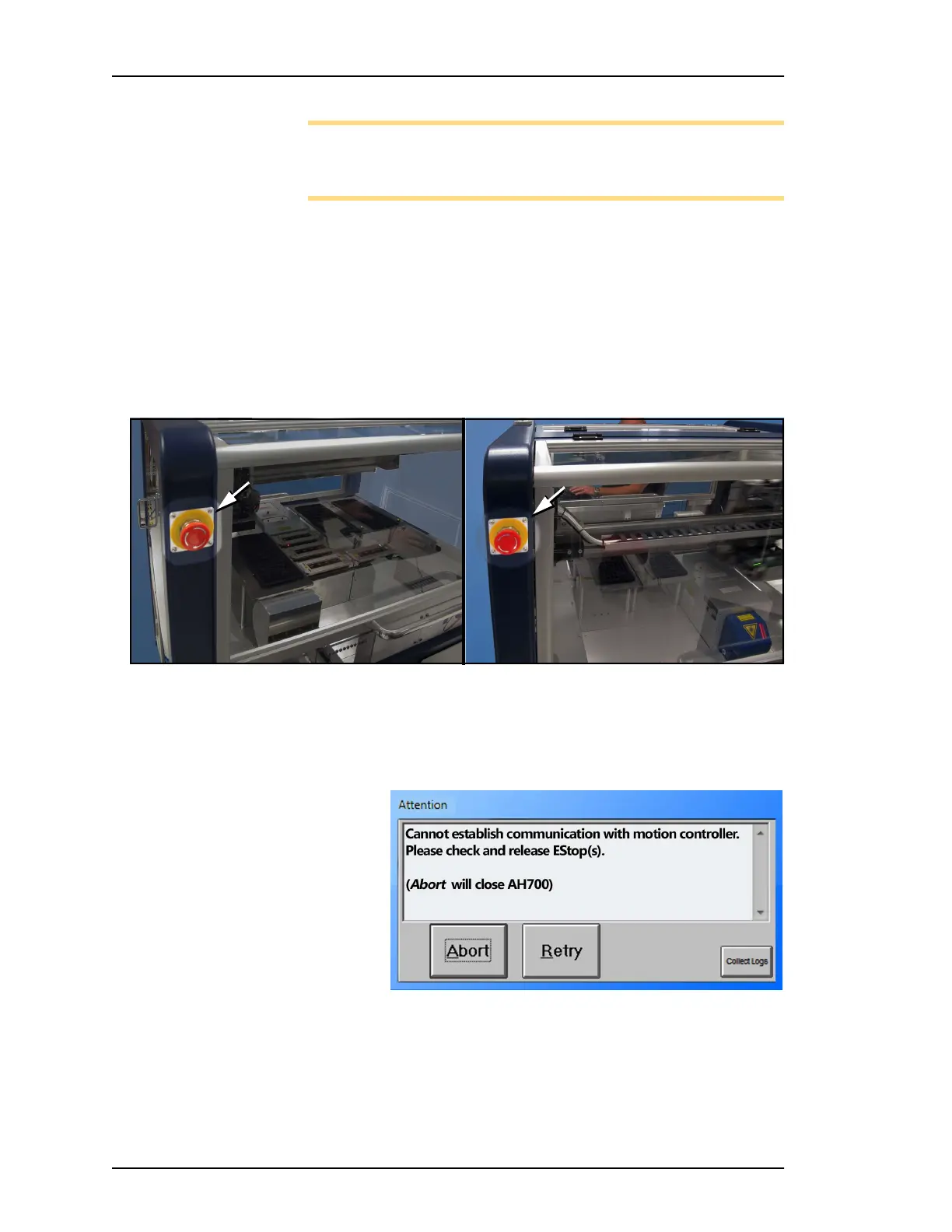
To prevent bodily injury or damage to equipment in an emergency,
press the red Emergency Stop (E-Stop) button located on the front
and back of the machine. Pressing an E-Stop button immediately
stops motion of the PNP head and the gantry.
Figure 46: There are two Emergency Stop (E-Stop) buttons on the
machine.
To restart the System
—after pressing E-Stop
Figure 47: Popup message: Check the E-Stops.
1. Rotate the E-Stop button clockwise until it springs back to its full
height. Check the second E-Stop button if necessary.
2. Click Retry to continue. If possible the system will re-establish
communication within 30 seconds.
Front Back



 To Next Page