Operation ■ Running a Job on PSV7000
—42— Data I/O • 096-0461-001G
back
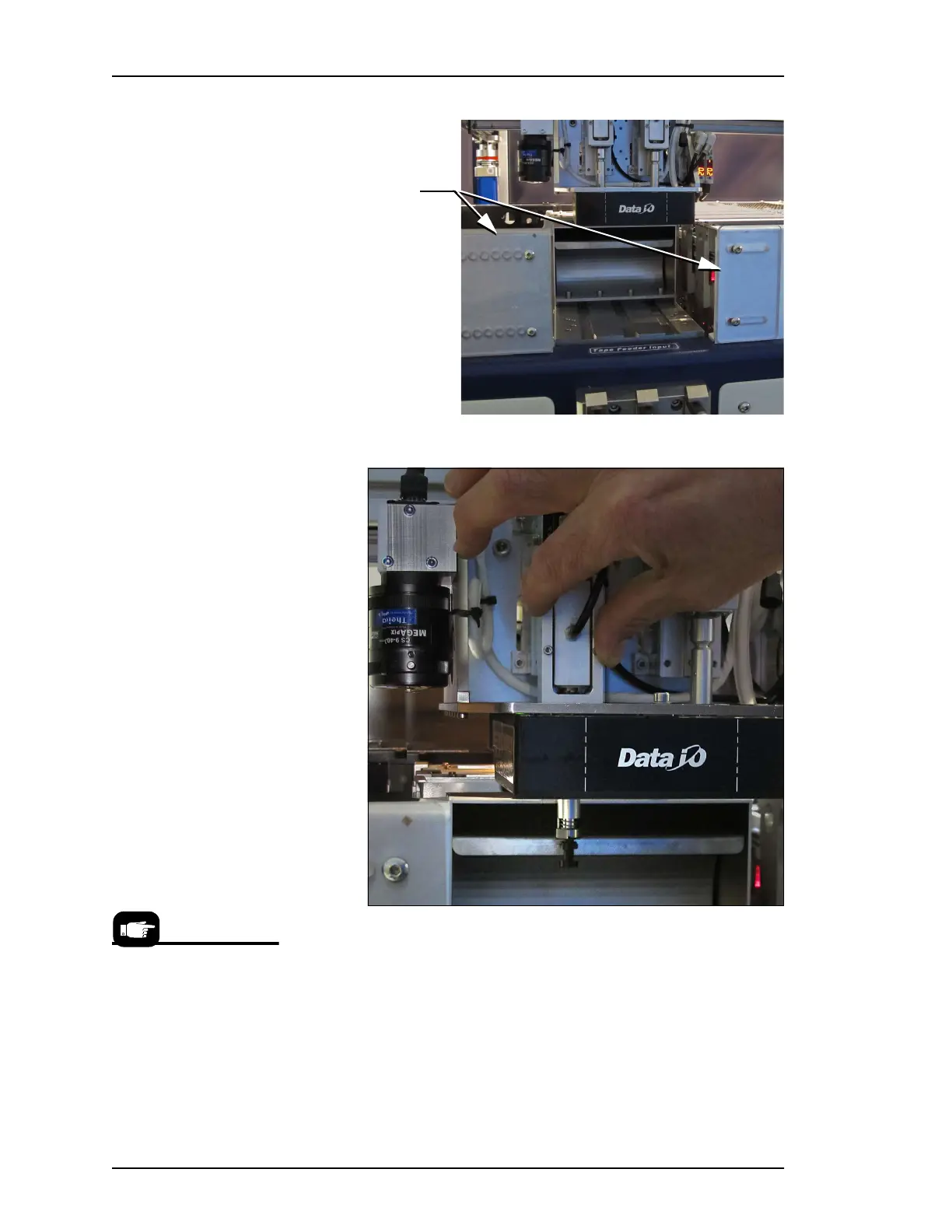
Figure 23: Safety plates have been moved out of the way.
Figure 24: Push the PNP head assembly down for access to the probe.
A flashlight will aid in seeing it better.
6. Push the head assembly down for access to the probe.
7. IF A RETAINING CLIP IS PRESENT: Pull the Retaining Clip
out, away from the probe grasping it opposite the thin aligning
pin. See figure below.
Safety Plates
Newer models have a probe
tip holder with a white dot
on it. It does not require use
of the Retaining Clip,
although ‘best practice’
suggests using the clip.



 To Next Page