■ Running a Job on PSV7000 ◘ List of Steps to Start a Job
PSV7000 Operator’s Manual —47—
back
5. Screw in the two new tips.
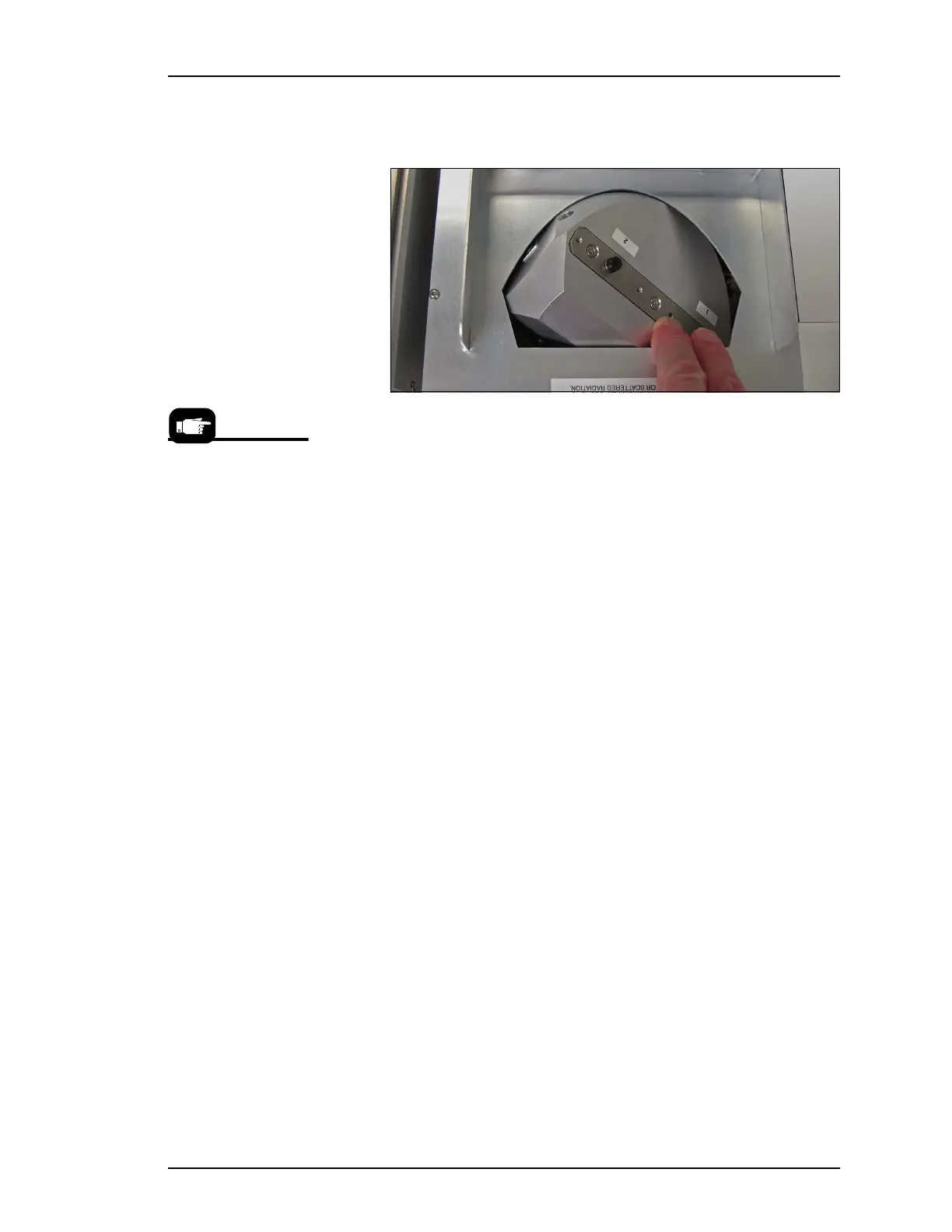
6. Rotate the Laser rotor by hand to access the other two tips.
Figure 29: The Laser rotor can be rotated by hand when the motor is
disabled (or the machine power is OFF).
7. Remove and replace the second two tips.
8. Rotate the Laser rotor back to tips 1 and 2.
9. Close the safety door.
10. Re-enable the rotor motor at the RUN window by right-clicking
the Laser indicator (rectangle) and select submenu command
Access cups ready.
Hint: Select a rotor tip
size that will work with
the largest selection of
your frequent target
devices.



 To Next Page