Operation ■ Running a Job on PSV7000
—56— Data I/O • 096-0461-001G
back
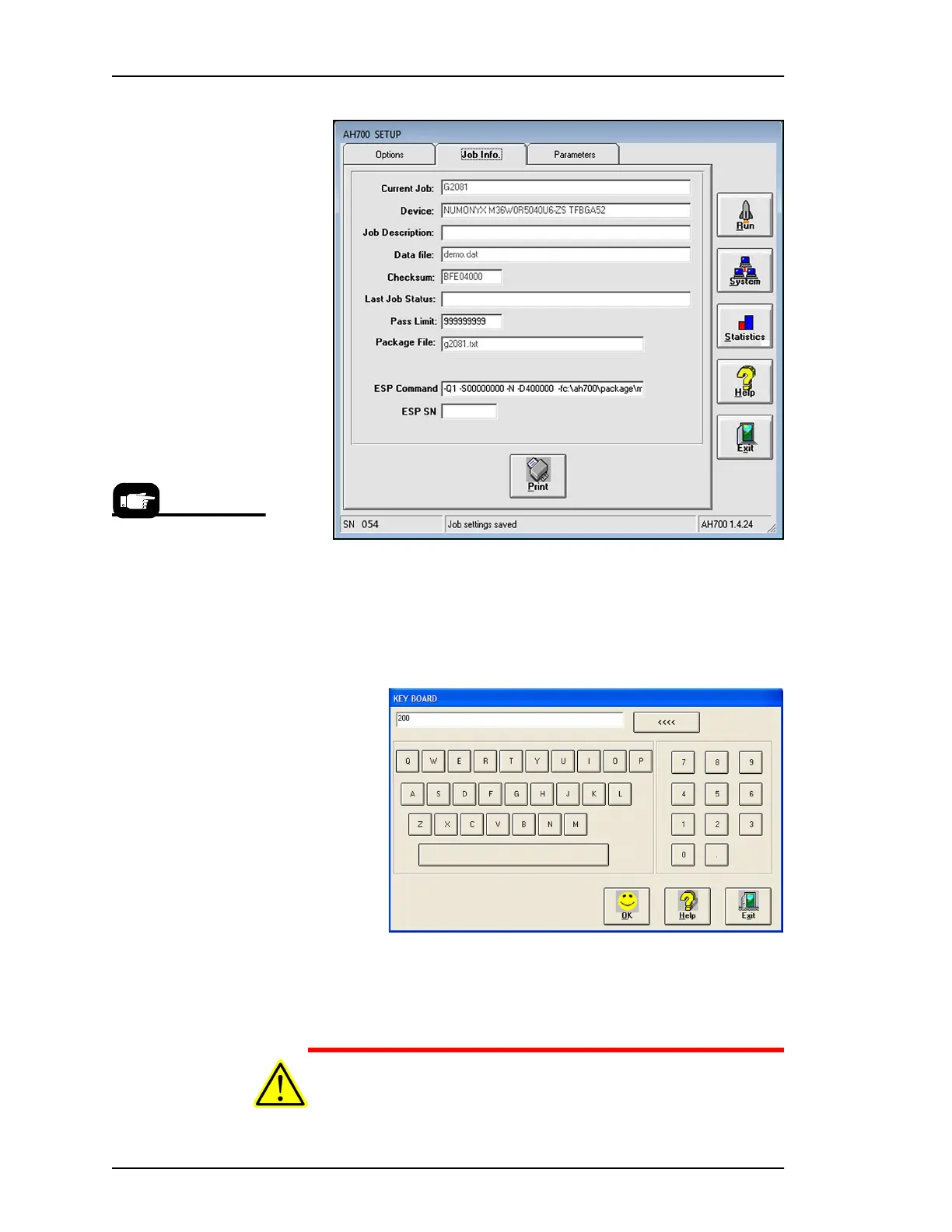
Figure 39: The Job Info Tab is a read-only review of information, with
the exception of the Pass Limit field (and ESP SN field, if External
Serialization Program is used) which are editable.
3. (Optional) Change the Pass Limit (number of devices to pro-
gram)—At the Job Info tab, click the in Pass Limit field and enter
the new Pass Limit value and click OK.
Figure 40: The Keyboard dialog opens after clicking in the Pass Limit
field. The <<<< button erases the right-most digit. Exit cancels any
changes.
CAUTION: Possible socket and device damage! If an incorrect
Package File was selected during Task creation, or if device orien-
tation was input incorrectly, devices or socket contacts may get
For more information
about External Serializa-
tion see Comma Sepa-
rated Values for
Serialization in the
on-screen Help.



 To Next Page