■ Changing Programmer Status ◘ Disabling Programmers
PSV7000 Operator’s Manual —69—
back
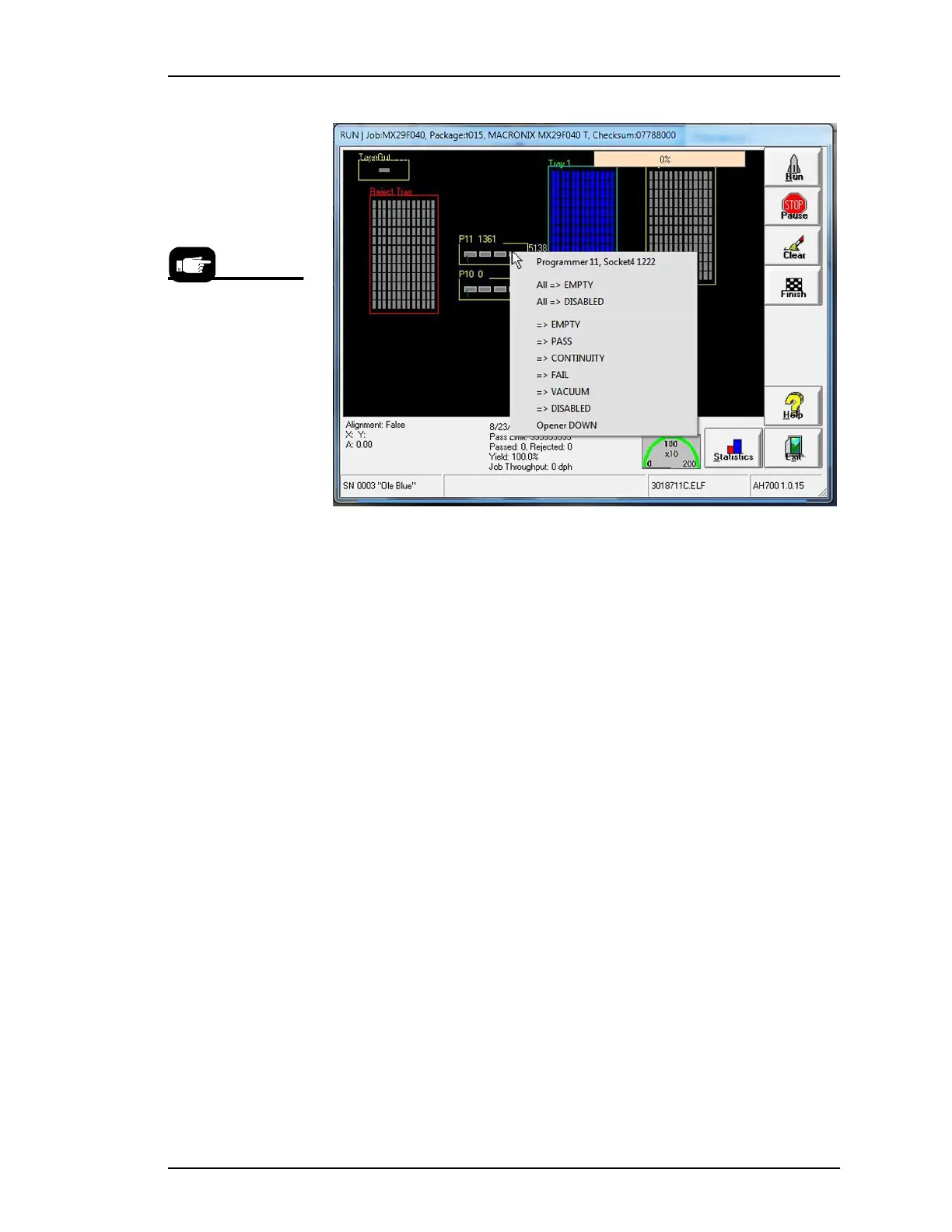
Figure 49: Right-click a programmer in the Run window to change the
status of the programmer, toggle the vacuum, or perform various other
functions. NOTE that “All => EMPTY” and “=>” EMPTY only change
the status and do not empty the socket(s).
This right-click proce-
dure allows changes to
one socket or one pro-
grammer, while the
Clear button on the
Run Window clears
all sockets on the all
programmers in use.



 To Next Page