■ Finishing a Job ◘ Turning PSV7000 System Power OFF
PSV7000 Operator’s Manual —73—
back
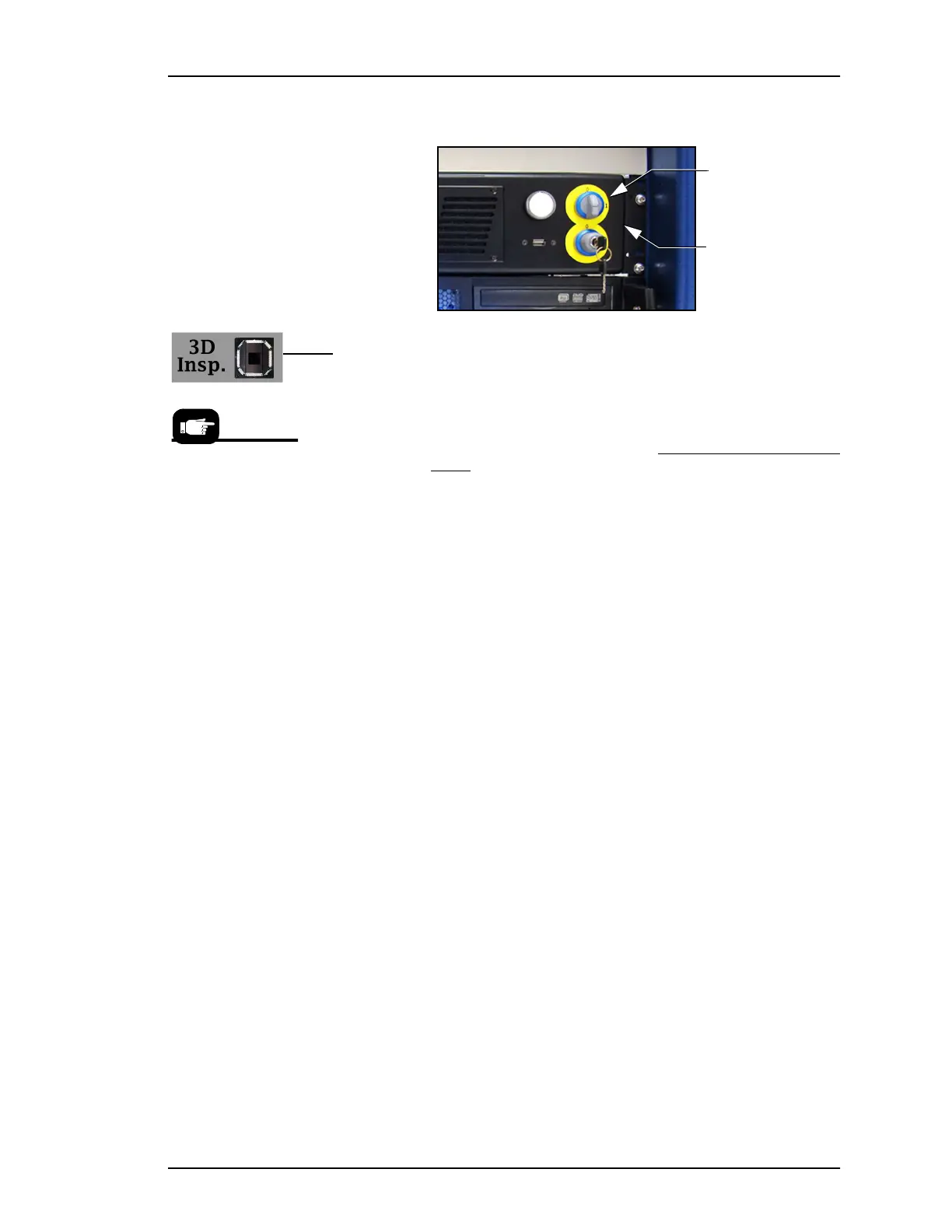
4d. Turn OFF (0) the Key Selector (Laser PC).
5. [3D Coplanarity Inspection System only] At the keyboard
switch to the 3D Inspection PC. (key sequence: scroll-lock >
scroll-lock 3).
5a. Exit the UltraVim Application software. At the next dialog
type EX to exit.
5b. Shut down the 3D Inspection PC with the Windows START
menu.
6. WAIT UNTIL WINDOWS COMPLETES SHUTTING DOWN,
then rotate the main power switch (on the PSV7000 Power Panel)
counterclockwise to the OFF (vertical) position.
7. (Optional) Padlock the main power switch so that it cannot be
turned back ON while the lock is in place.
Enable
Selector
Laser PC
Note that the
On/Off switches for
the Tube Media
Modules do not need
to be turned OFF.
Power is controlled
by the AH700 SW.



 To Next Page