ES601Plus OPERATING MANUAL
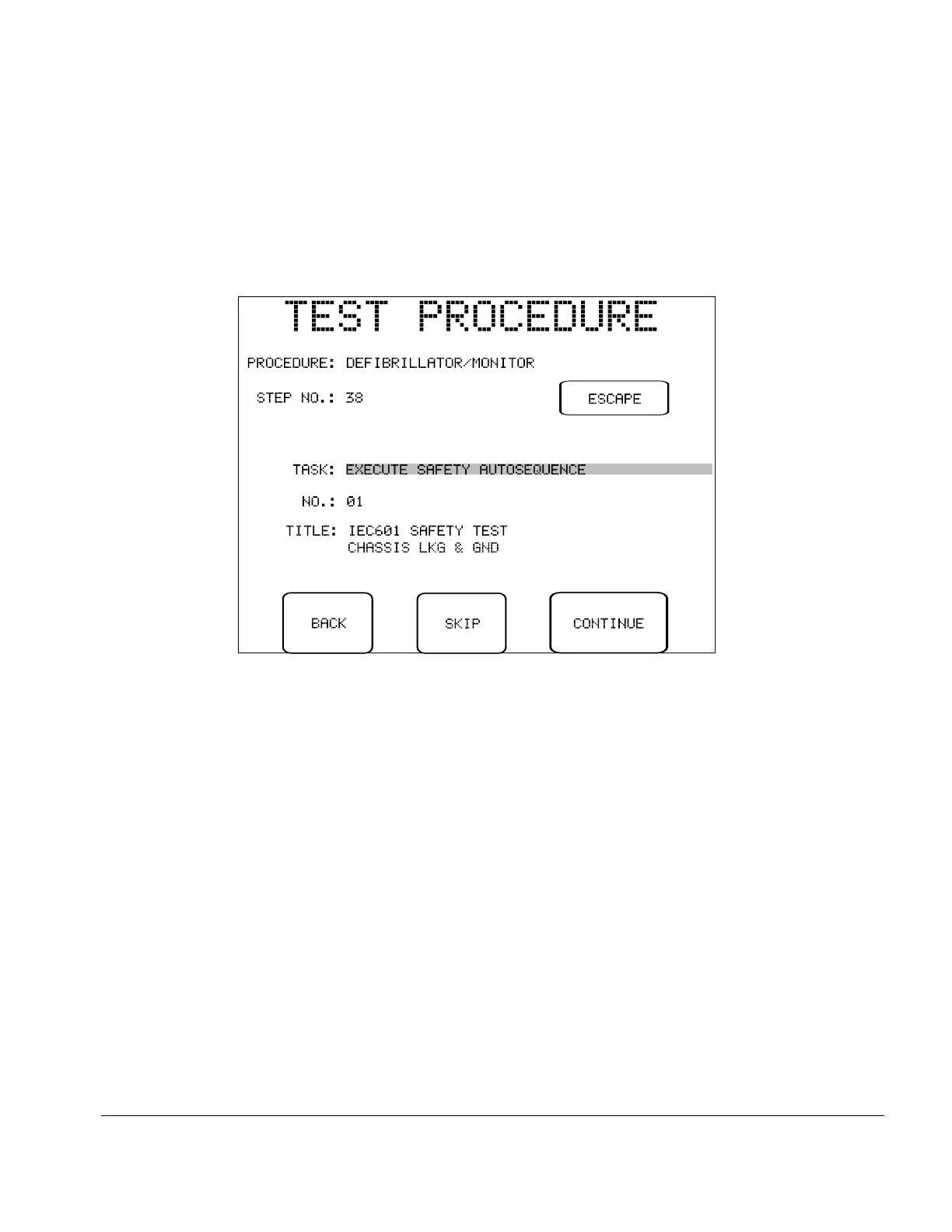
Fig u re 80 - Test Procedure in progress, A instruction.
When an A Instruction is executed, the type of AutoSequence is displayed on the LCD as the
"TASK", the title and number of the AutoSeqeuence are also shown. A SKIP button allows the
AutoSequence to be bypassed. Pressing the CONTINUE button runs the displayed AutoSequence.
BACK and ESCAPE keys assume the same functions described previously for other Instructions.
Automated Testing/Chapter 6 # Page 128



 To Next Page