ES601Plus OPERATING MANUAL
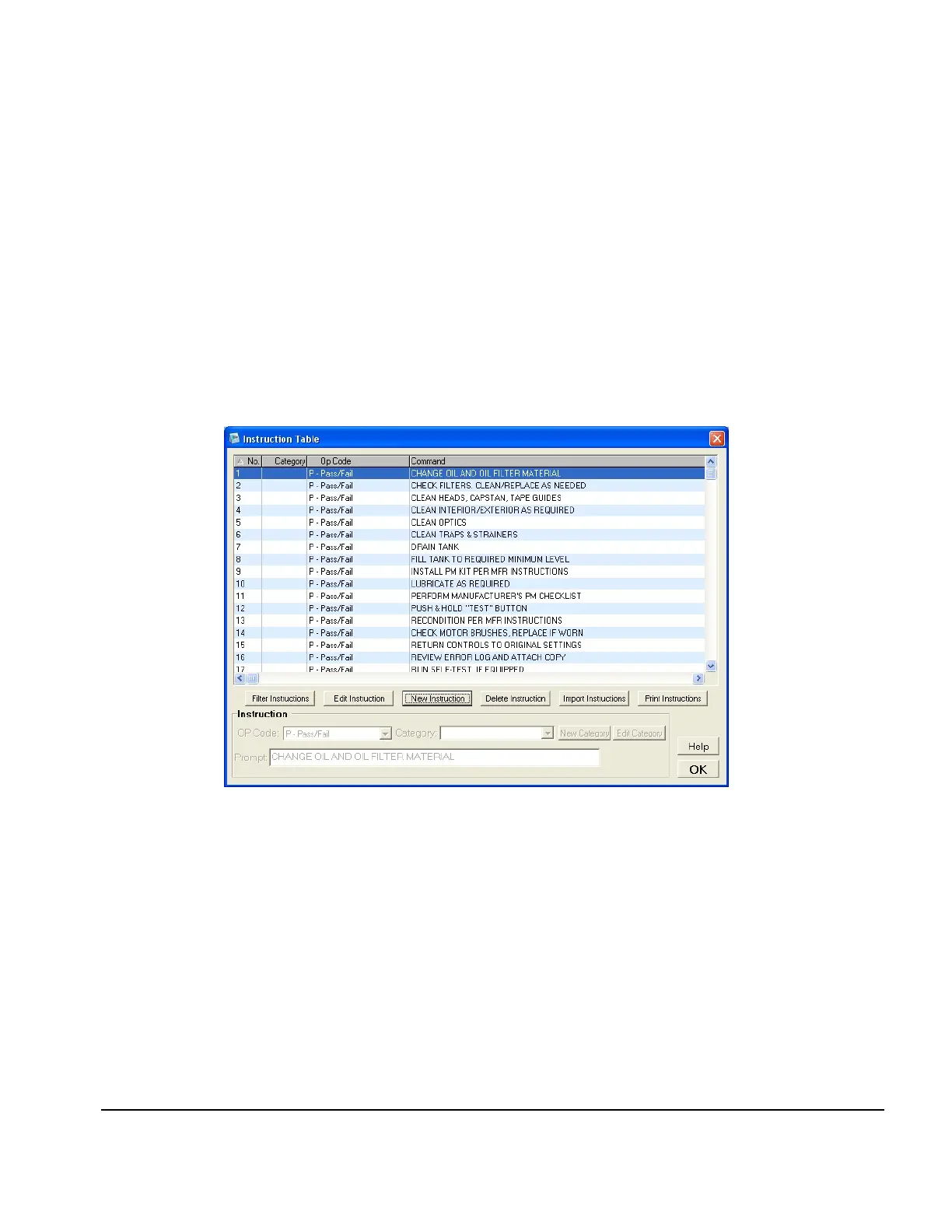
Fig u re 98
All instructions can be removed from the AutoSequence by pressing the Clear button in the center
margin. AutoSequence contents can be re-ordered by selecting the desired Instruction in the
AutoSequence and using the Up or Down arrows below the column to move the selected item up or
down. The selected item can be moved to the top or bottom of the sequence by using the Double
Up or Down arrows.
8.8.3 Editing an Instruction
Individual Instructions can be edited by selecting Edit Instruction Table (large button on the right
margin of the Inspection Procedure or User Tester Sequence screens, or below the Available
Instruction list on the AutoSequence Editor screen).
In the Instruction Table, select an instruction, then press "Edit Instruction". The instruction
properties in the lower panel must be enabled for editing. Double-clicking on an instruction will also
enable the Instruction panel.
The Instruction panel includes an op code dropdown, category dropdown and a number of
command textboxes, depending on the instruction's op code (see Fig u re 98 and Fig ure 99).
ES601pc Software/Chapter 8 # Page 164



 To Next Page