ES601Plus OPERATING MANUAL
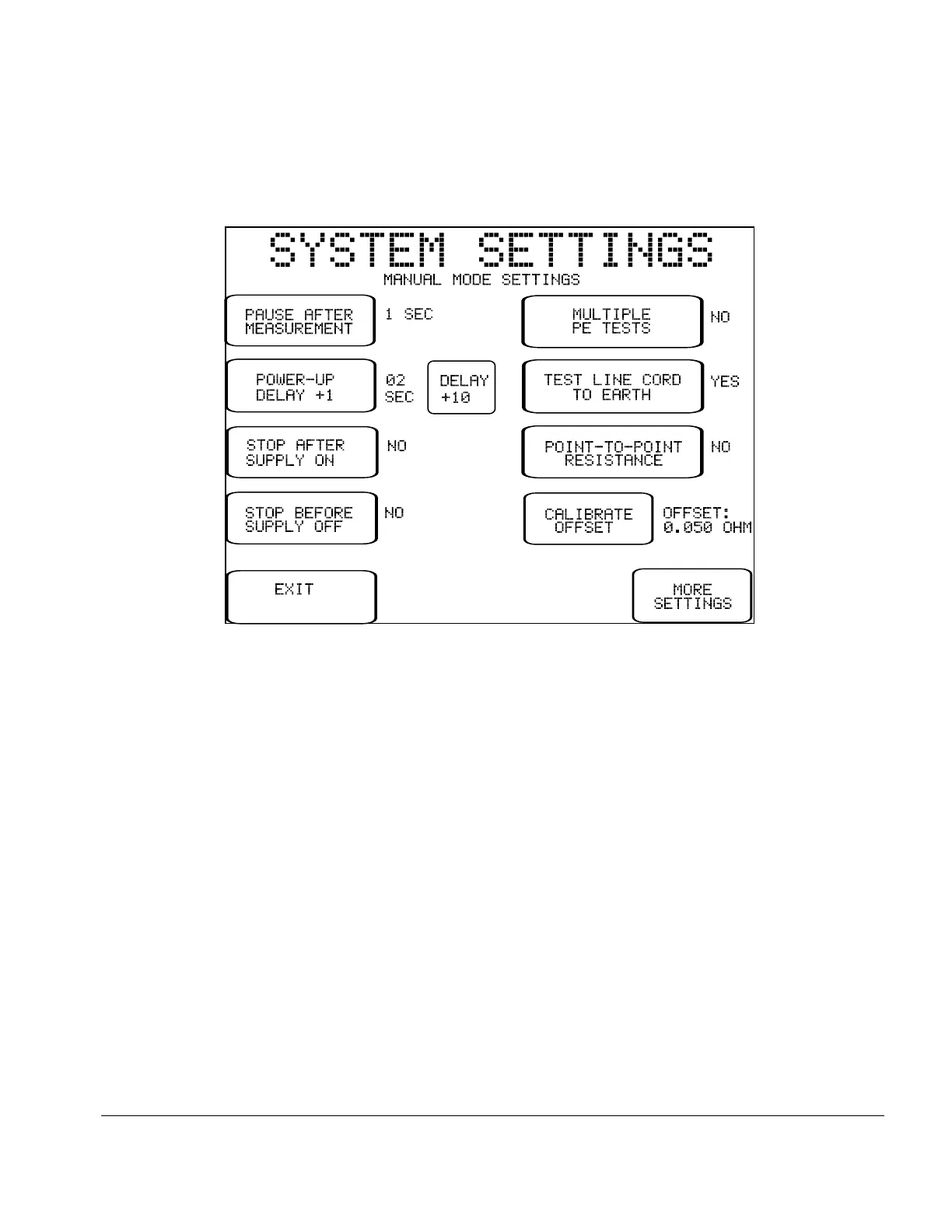
3.3 System Settings Menu #2
System Settings Menu #2 shows default Sequence Controls for MANUAL MODE tests. Buttons on the left of
this menu pertain to manual leakage and load current tests, and buttons on the right pertain to manual
protective earth tests.
When a leakage or protective earth test is selected from the MANUAL MODE menu, the applicable
Sequence Controls from System Settings Menu #2 are recalled and are shown on the display. Before
proceeding with the test, the user may modify the default Sequence Controls to suit the specific needs of the
equipment being tested. After the manual test is completed, the Sequence Controls revert to the default
settings shown on System Settings Menu #2. System Settings Menu #2 should therefore be configured to
suit the user's preference for manual tests, based on the requirements of equipment most often tested in
manual mode.
Fig u re 3: System Setting Menu #2
Setup/Chapter 3 # Page 25



 To Next Page