ES601Plus OPERATING MANUAL
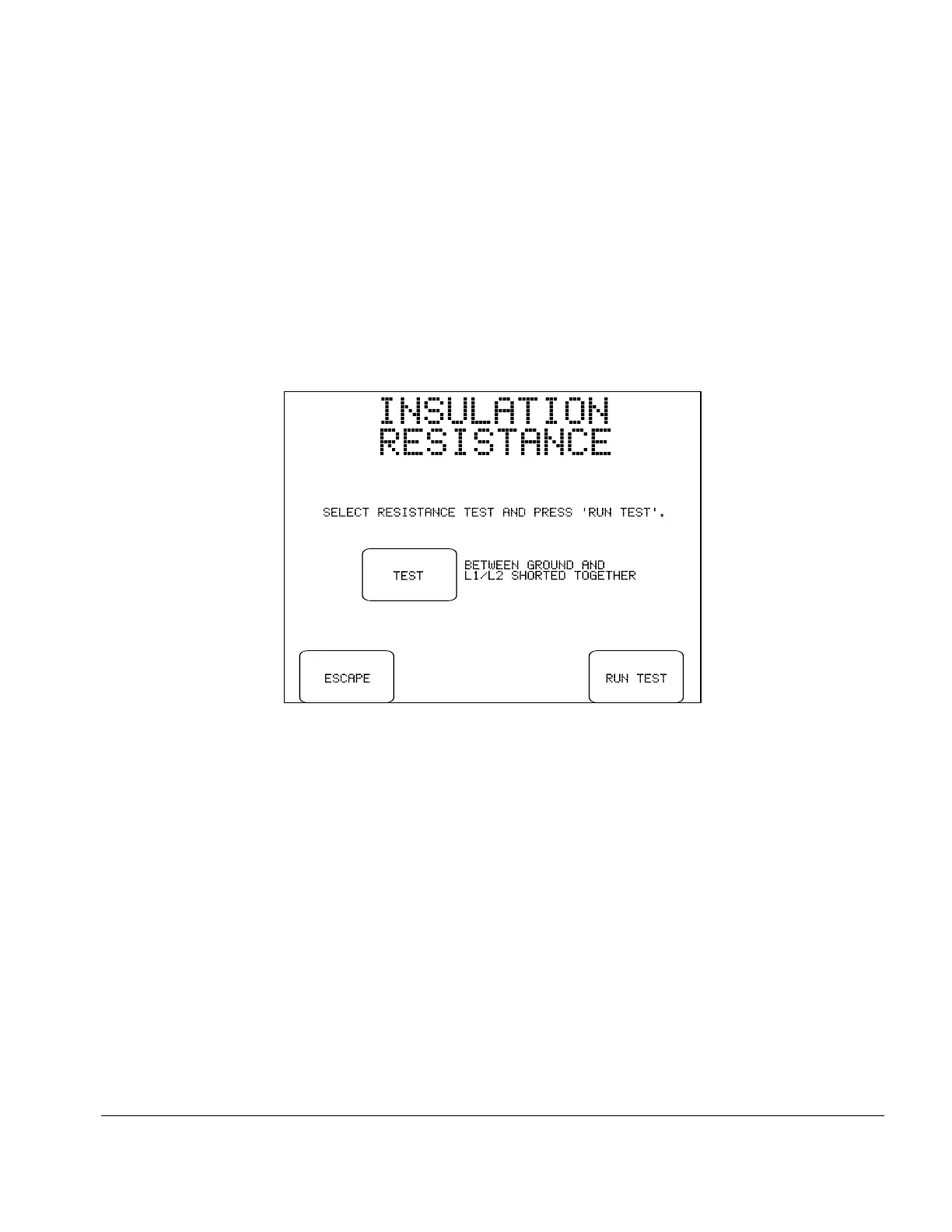
Fig u re 22 - Insulation test selection menu.
5.8 Insulation Resistance Test
Pressing the INSULATION RESISTANCE button on the MANUAL MODE menu allows you to measure
the resistance of the DUT's insulation from L1 and L2 supply inputs to the ground connection; or
alternatively from all applied parts shorted together to ground. Note the power switch of the DUT should
be set to "ON" before selecting this test from the menu. AC Power is removed from the test receptacle for
the duration of this test.
Options available on the insulation test selection menu are:
TEST:
Toggles the test between measuring insulation resistance “BETWEEN GROUND
AND L1/L2 SHORTED TOGETHER” and “BETWEEN GROUND AND ALL
APPLIED PARTS”.
ESCAPE:
Returns the display to the MANUAL MODE menu. No insulation test result is
copied to the Clip Record.
RUN TEST:
Starts the selected insulation resistance test. If possible, set the power switch of the
DUT to the "ON" position before starting the test.
Manual Testing/Chapter 5 # Page 52



 To Next Page