ES601Plus OPERATING MANUAL
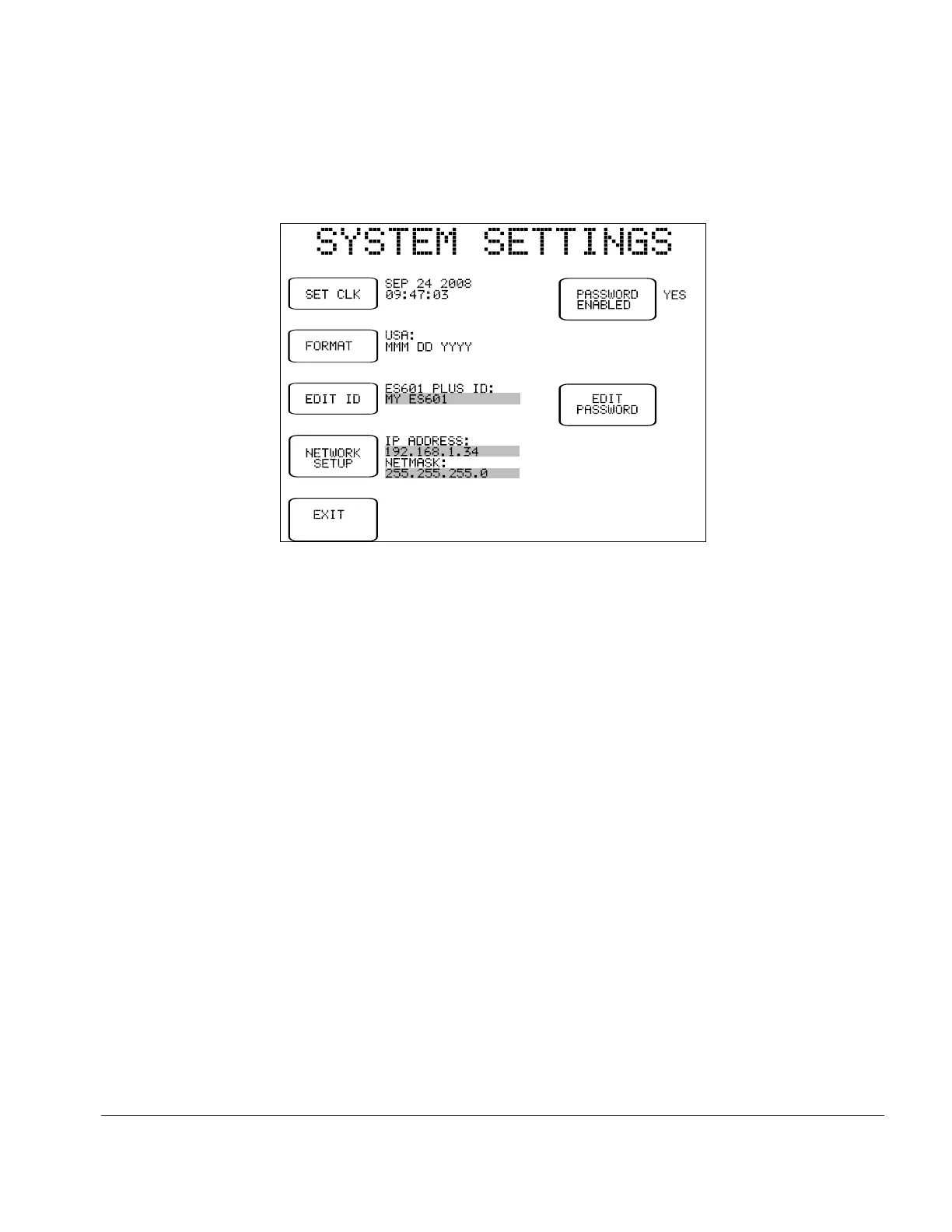
Fig u re 4 - System Settings Menu #3
3.4 System Settings Menu #3
The buttons provided on System Settings Menu #3 are:
SET CLK:
Allows setting the internal real time clock.
FORMAT:
Select date format for the internal real-time clock, as follows:
• USA (MMM DD YYYY)
• Europe (DD MMM YYYY)
• ISO (YYYY MMM DD)
EDIT ID:
ES601Plus I.D. is set at time of manufacture to "MY ES601", and can be
edited using this utility which allows the user to input a unique I.D. to
identify ES601Plus within the user's equipment management system. This
I.D. is meant to be a control number or similar reference, and should not
be confused with the unit serial number.
Pressing this button will activate the QWERTY touch keypad of
ES601Plus, allowing the user to type in an I.D. Refer to Section 3.5 for
more information on operation and features of the QWERTY keypad.
Setup/Chapter 3 # Page 29



 To Next Page