ES601Plus OPERATING MANUAL
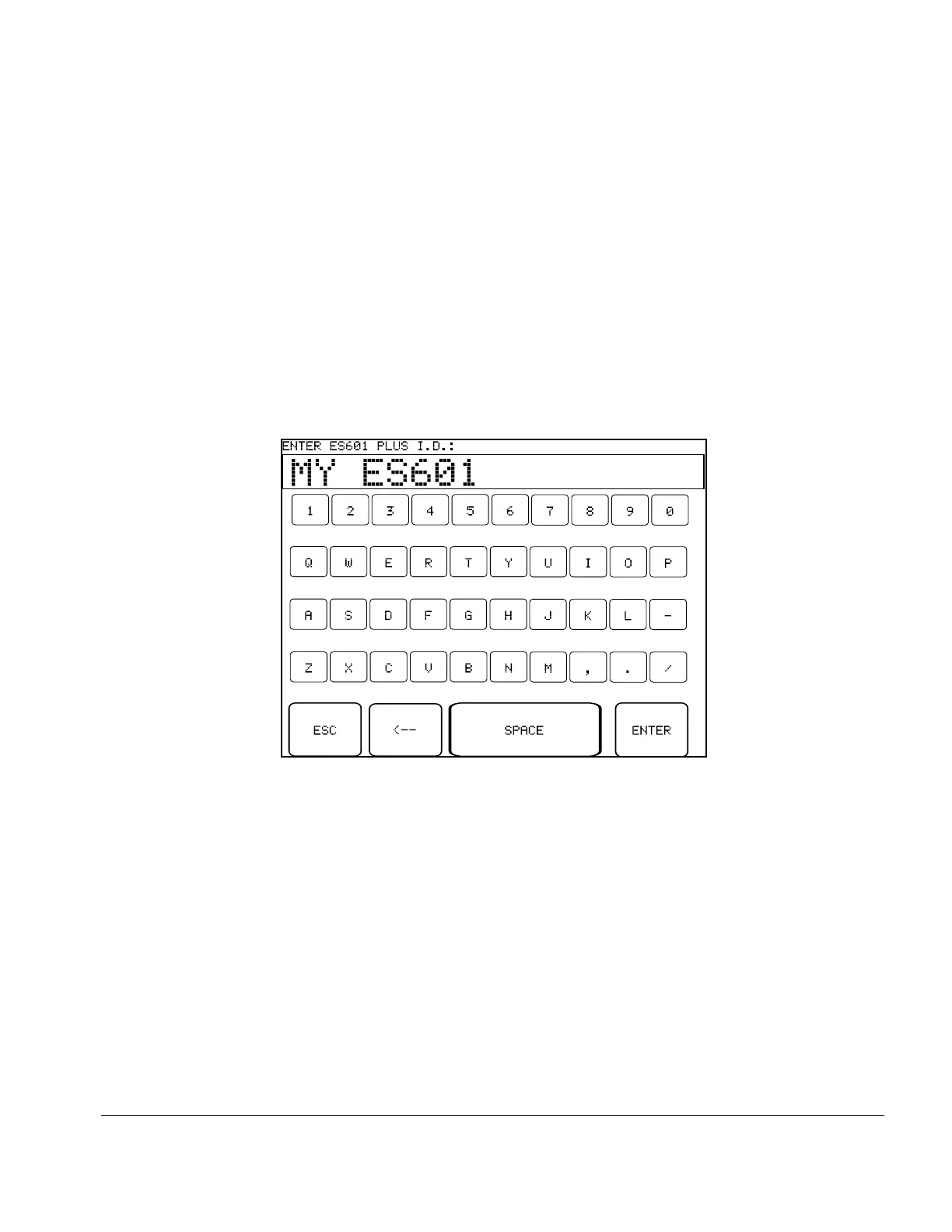
Fig u re 6 - QWERTY Keypad
3.5 About the QWERTY Keypad
The QWERTY touch keypad of ES601Plus is used for entering system settings, equipment information,
control numbers, comments and test data. An example of the QWERTY keypad is shown in Fig ure 6, for
entering the ES601 I.D. of System Settings Menu #3.
When the QWERTY keypad is activated on the display, ES601Plus will also optionally accept character
data from ES601Plus Barcode Reader Port or from the PS/2 Keyboard / Barcode Port. When activity is
sensed from any one of these input devices, the other two are disabled until the next time the QWERTY
keypad is displayed.
ES601Plus reacts differently to data arriving via the Barcode Reader Port, compared to data from a PS/2
keyboard. For data received via the Barcode Port, ES601Plus will wait until a complete string of characters,
terminated by carriage return, is received. After sensing a carriage return, ES601Plus removes the
QWERTY keypad from the LCD display, and shows the Barcode data on the LCD along with ENTER and
CANCEL buttons, allowing the user to accept or reject the received data.
For the case of data received via the PS/2 Keyboard Port, ES601Plus displays each character as it is
received from the external keyboard. In this case, characters typed on the external keyboard simply appear
at the top of the QWERTY display until a carriage return is sensed.
Setup/Chapter 3 # Page 31



 To Next Page