ES601Plus OPERATING MANUAL
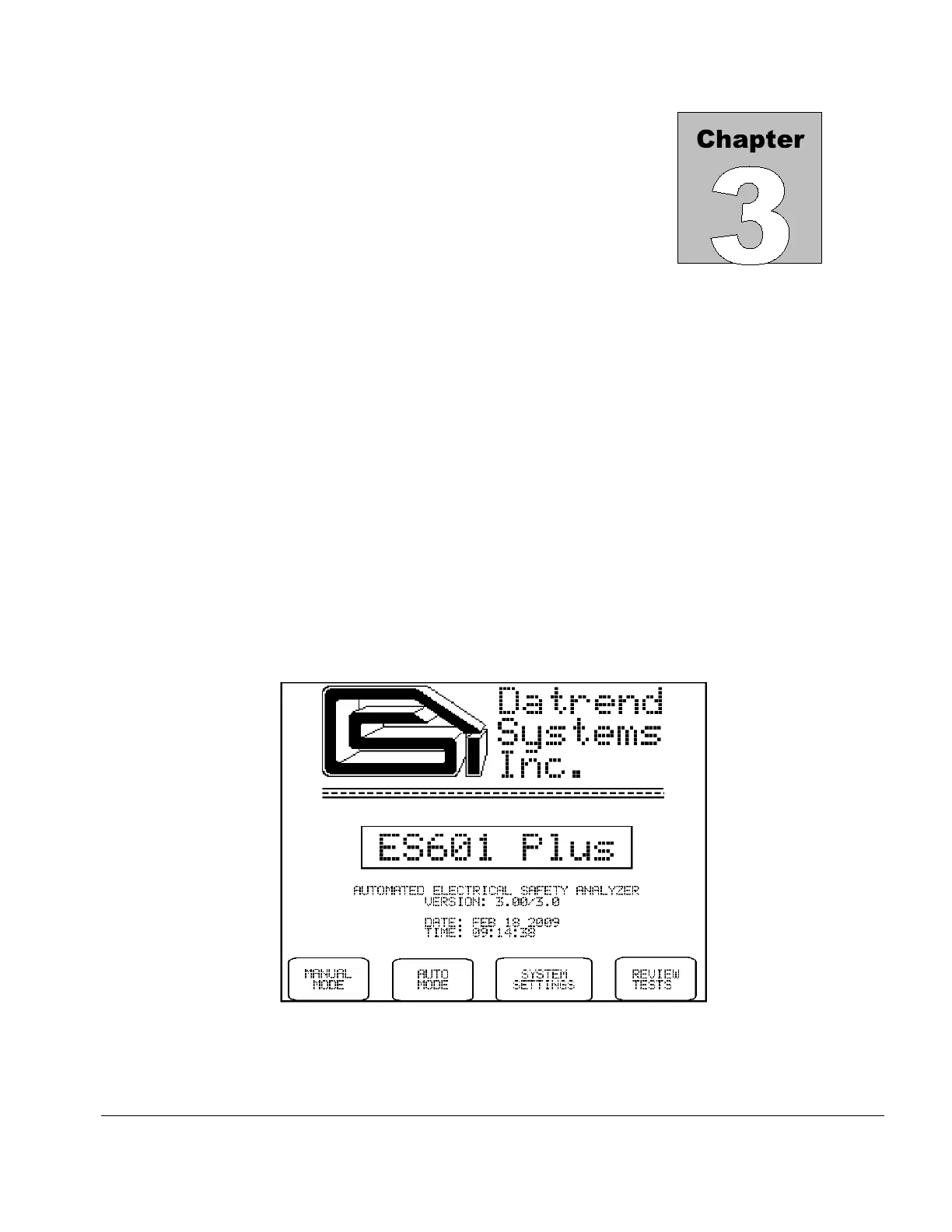
Fig u re 1 - Startup Menu
3 Setup
3.1 Powering Up/Start-up Menu
When the power to ES601Plus is switched on, the Start-up menu is displayed while internal self-tests are
conducted. The Start-up menu displays the firmware version and the current time and date.
Depending on how the "STARTUP MODE" has been configured under System Settings, the above menu
may remain on the LCD indefinitely, or may be automatically replaced by either the MANUAL MODE
menu or the AUTO MODE menu after a few seconds.
Optionally, the "STARTUP MODE" can be set to enable a test of the AC supply voltage at five seconds
after power-on. If the AC supply test at startup has been enabled, ES601Plus will produce an alarm if a
reversed-supply condition is detected. Note that a reversed AC supply may affect test results, particularly the
leakage measurements. In the event of a reversed-supply alarm, connect to a different wall outlet or
investigate the wiring of the wall outlet in use before proceeding.
Setup/Chapter 3 # Page 21



 To Next Page