ES601Plus OPERATING MANUAL
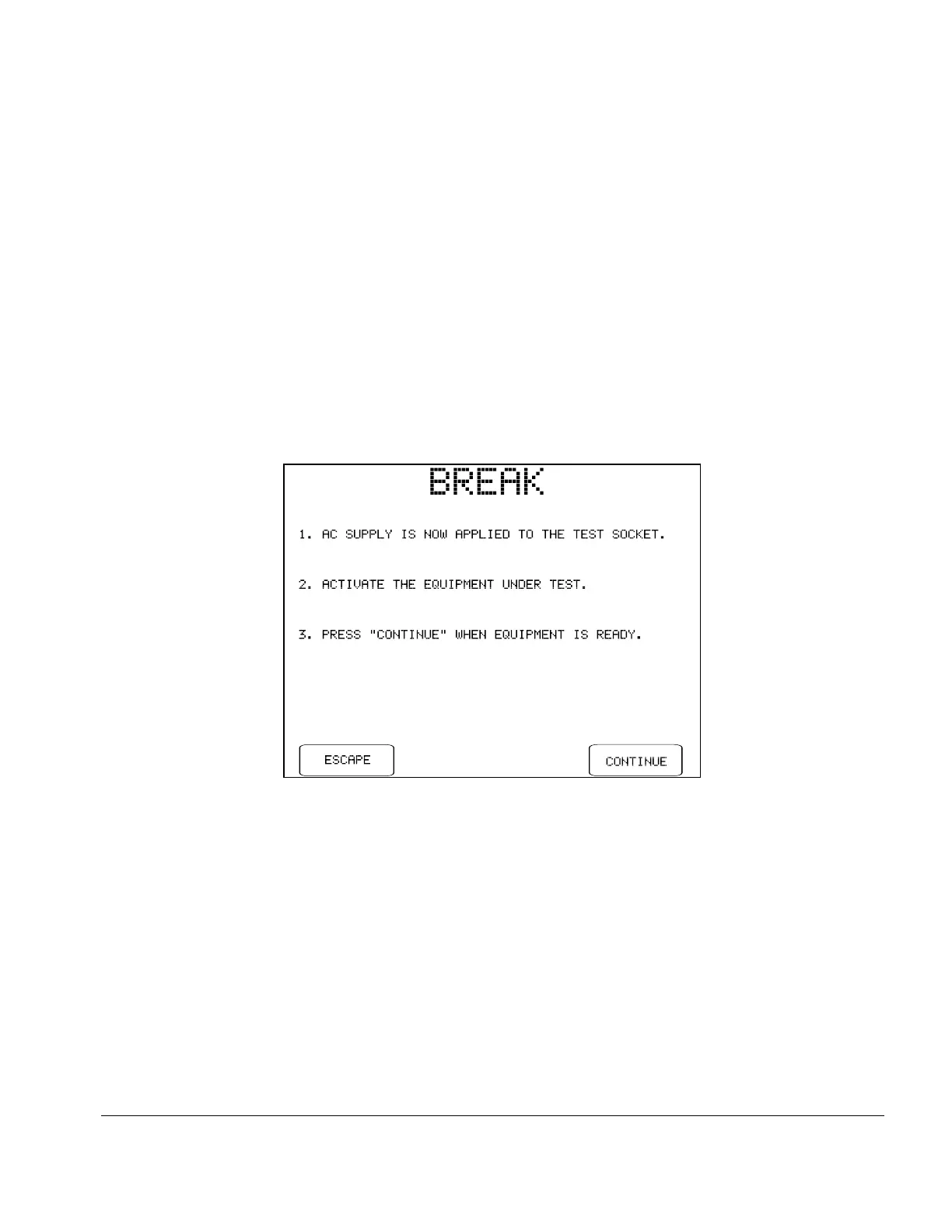
Fig u re 19 - Break if "STOP AFTER..." system setting is "YES".
5.7 Load Current Test
Pressing the LOAD CURRENT button on the MANUAL MODE menu allows you to measure the AC
current drawn from the supply by the DUT. The power switch of the DUT should be set to "ON" before
selecting this test.
If "STOP AFTER..." of the System Settings is "NO" (see Section 3.3), ES601Plus will activate the test
socket and then pause for the power-up delay specified in the System Settings, after which ES601Plus will
measure the current. If "STOP AFTER..." of the System Settings is set to "YES", ES601Plus will activate
the test socket and then wait until you press the CONTINUE button:
The measurement is performed after you press CONTINUE. Alternatively, you may press ESCAPE to
abort the measurement and return to the MANUAL MODE menu. Note the purpose of the "STOP
AFTER..." break is to allow you activate a DUT which cannot be switched ON until a full AC supply is
provided to the DUT.
The load current measurement will require approximately 1 second to complete, after which ES601Plus will
stop and display the value:
Manual Testing/Chapter 5 # Page 49



 To Next Page