ES601Plus OPERATING MANUAL
8.2 Installing USB Drivers
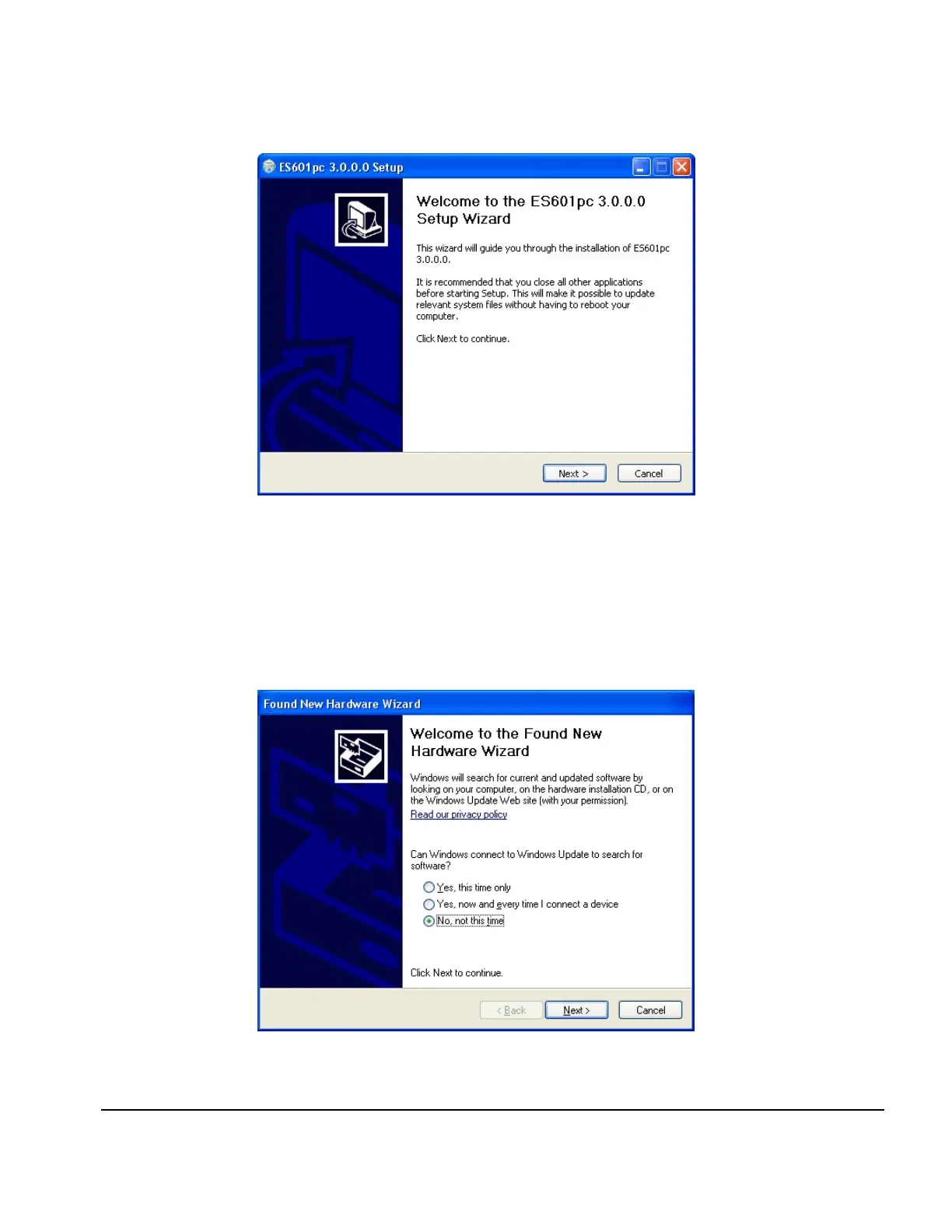
When installation is complete, connect ES601Plus to your PC using the USB cable provided. When
ES601Plus is connected to the PC for the first time, Windows should detect the connection and
automatically launch the New Hardware Wizard which will prompt you for the USB driver.
Fig u re 82
Fig u re 83 - New Hardware
ES601pc Software/Chapter 8 # Page 142



 To Next Page