ES601Plus OPERATING MANUAL
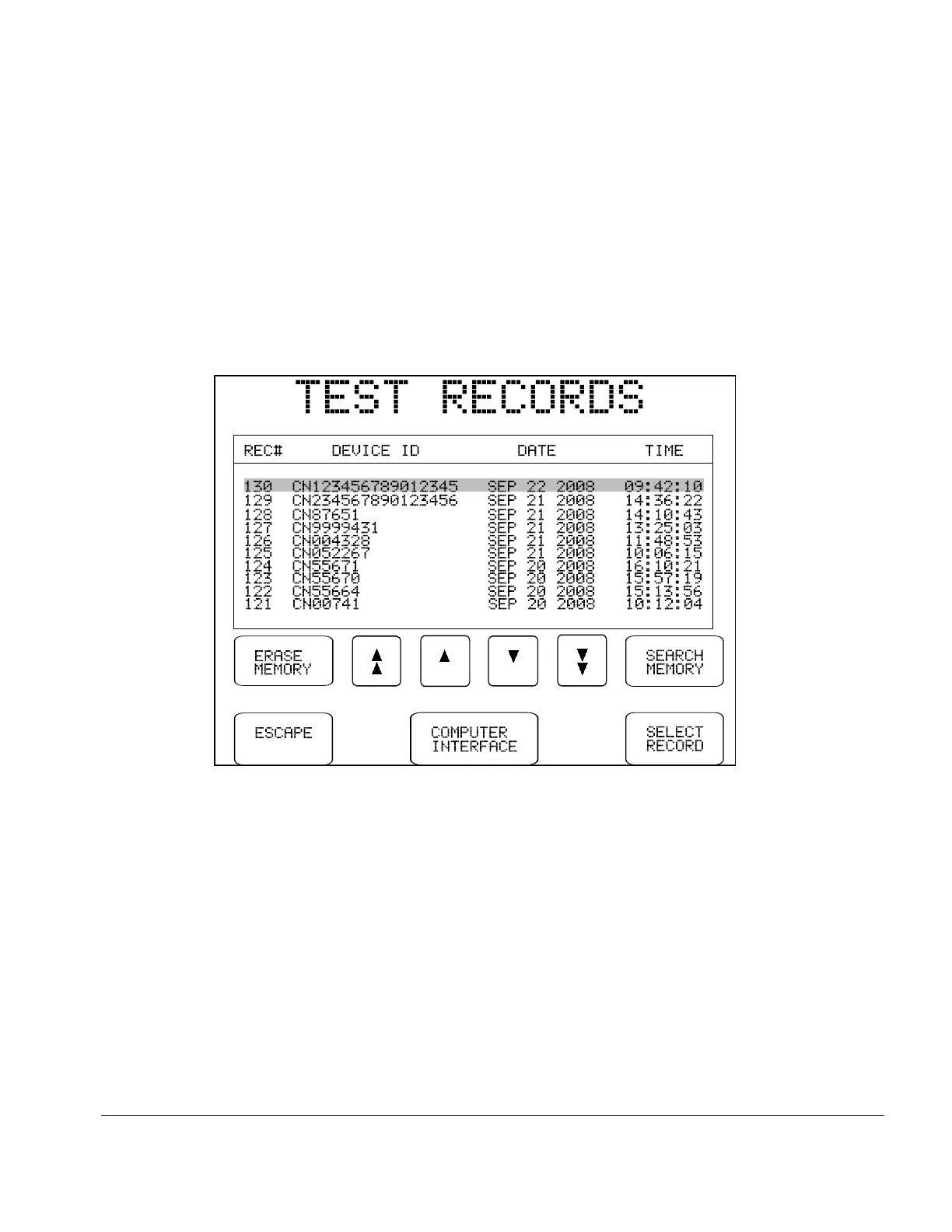
Fig u re 40 - Select a Test Record
5.13 Reviewing Tests
Test Records which have been saved to the flash memory of ES601Plus may be recalled by pressing
the REVIEW TESTS button on the MANUAL MODE menu. A particular Test Record can be
located by scrolling up or down using the scroll buttons, until the desired Test Report is highlighted.
Display the Test Report by pressing the SELECT RECORD button. The selected Record will
appear on the LCD as described in the following section of this chapter.
If a previously stored Test Record is recalled from the flash memory in this manner, any safety test
data or device information that may exist in the Clip Record will be overwritten with the data of the
recalled Record. Any manual test data that may have been collected in the Clip Record will therefore
be lo st, unless it is first saved via the SAVE TEST button on the MANUAL MODE menu.
The TEST RECORDS menu lists all Test Records stored in the flash memory by Record number.
Additional information displayed includes the Device ID, and the Date and Time of the test.
Manual Testing/Chapter 5 # Page 82



 To Next Page