ES601Plus OPERATING MANUAL
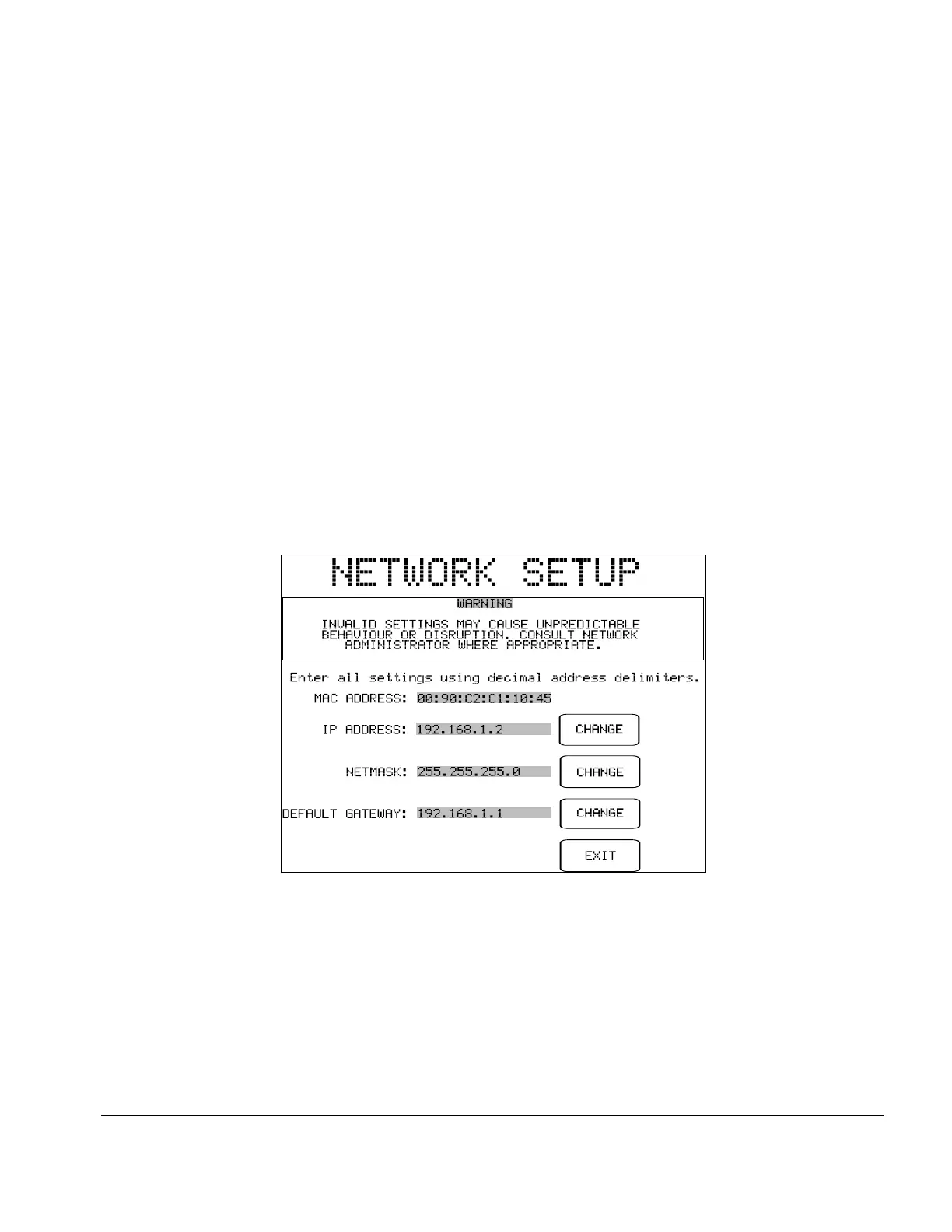
Fig u re 5 - Network Setup
PASSWORD ENABLED:
Referring to System Setup Menu #2, this global enable/disable switch for
the password may be toggled between "YES" and "NO". Default is "NO".
EDIT PASSWORD:
When pressed, this button displays the QWERTY keypad for entering a
password. The maximum length of the password is 17 characters. By
default, the password is set to all-whitespace. The password is shown as it
is typed for verification. Refer to Section 3.5 for more information on
operation and features of the QWERTY keypad.
NETWORK SETUP:
Allows the user to input Ethernet settings (IP address, netmask, and
gateway) for ES601Plus (see Fig u re 5). Addresses are entered with
decimal delimiters. A touch keypad that provides for numerical input only
is displayed in response to pressing any of the CHANGE keys. Pressing
EXIT saves changes made and restores the Systems Settings Menu #3.
EXIT:
Exits to the previous menu (AUTO or MANUAL), or to AUTO MODE
if the Systems Settings menu was entered from the startup screen. On exit,
changes made to settings are saved in the non-volatile memory of
ES601Plus.
Setup/Chapter 3 # Page 30



 To Next Page