ES601Plus OPERATING MANUAL
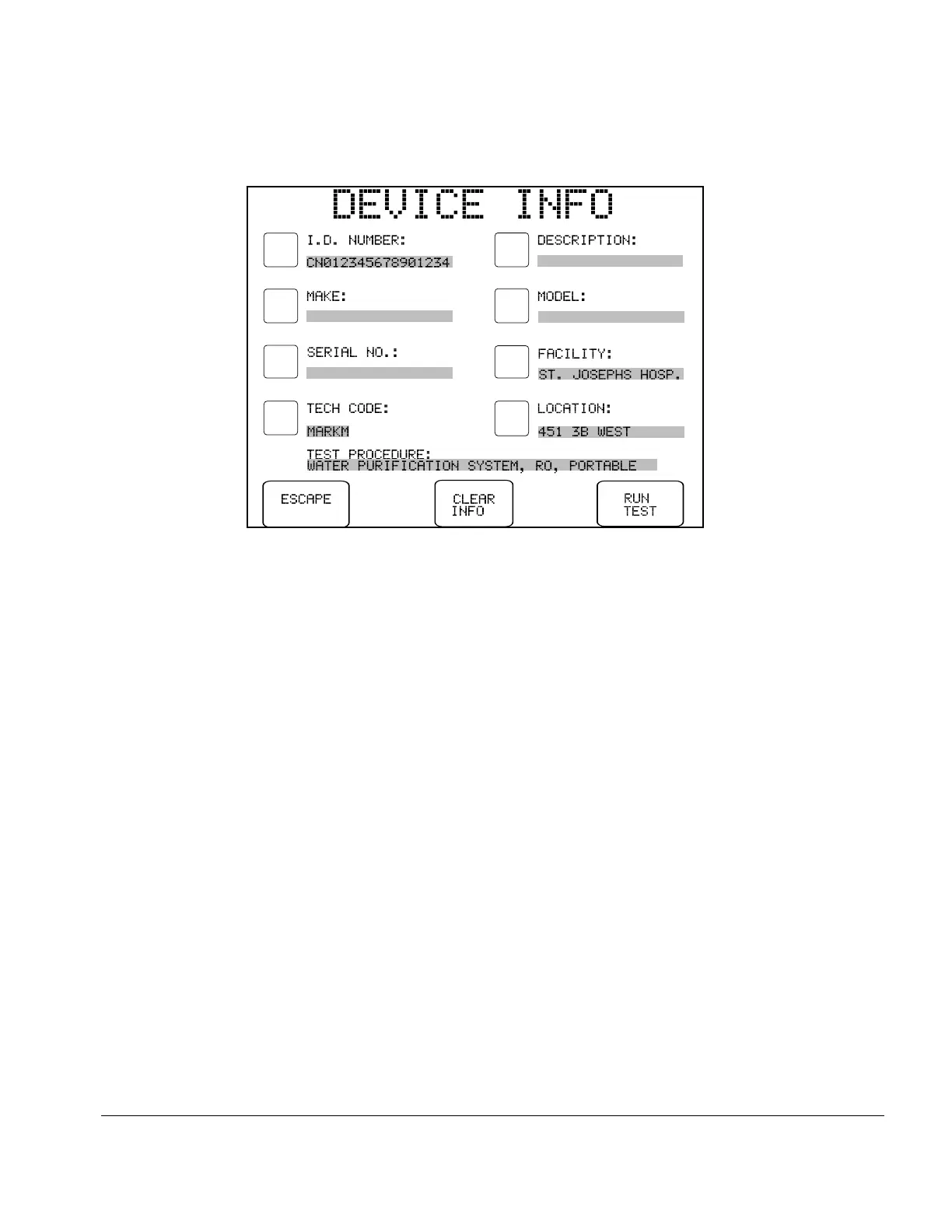
Fig u re 81 - Device Info menu, following entry of valid Device ID.
Pressing the RUN TEST button on the menu will initiate the associated Test Procedure and, when
the test is completed, the SAVE TEST RECORD menu will be displayed.
If, after opening the DEVICE INFO menu, the Device ID (Control) Number is changed, the
indicated Test Procedure will still run and, when saved, will display the edited Device ID (Control)
Number. This will not, however, update the corresponding Equipment Record in the memory of
ES601Plus.
Automated Testing/Chapter 6 # Page 131



 To Next Page