ES601Plus OPERATING MANUAL
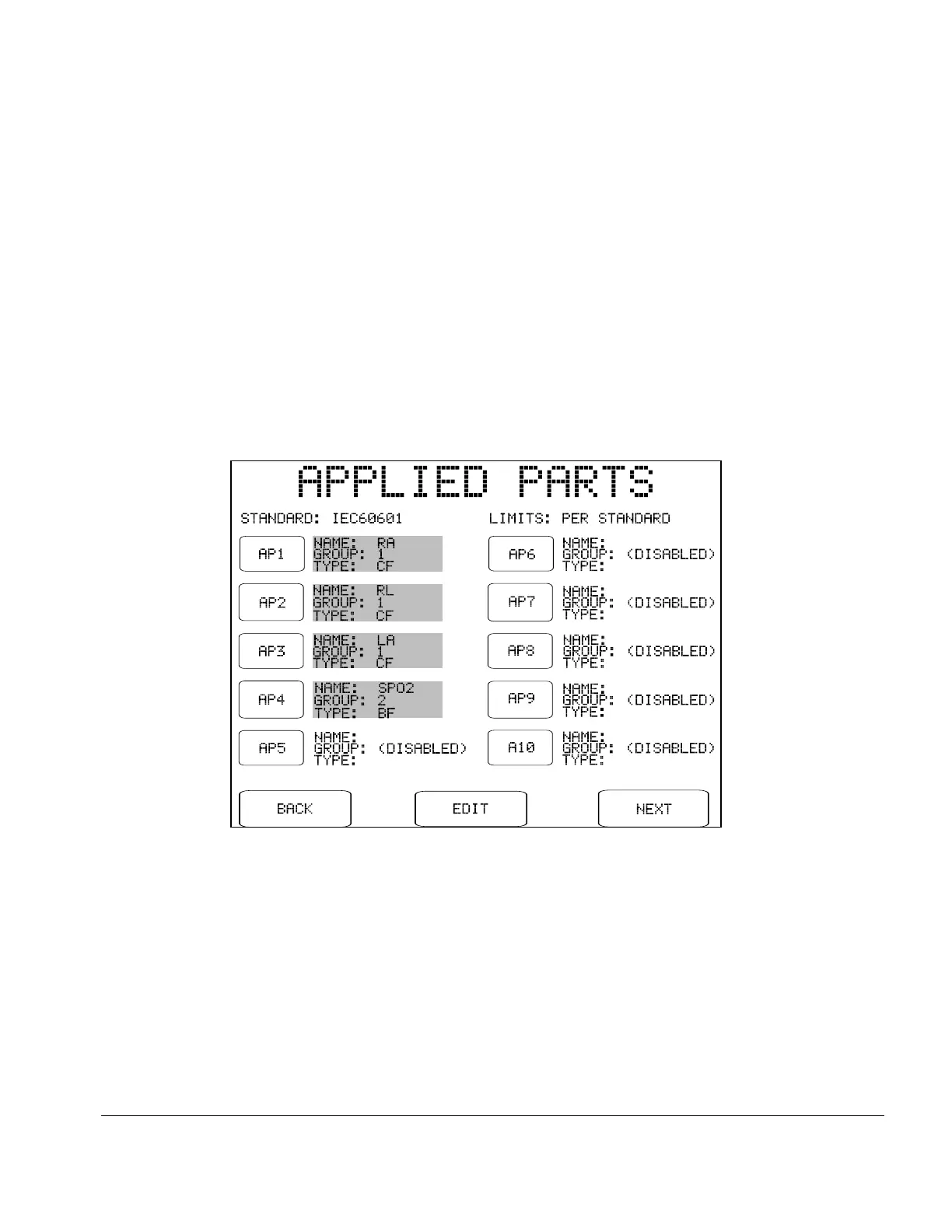
Fig u re 29 - Applied part setup.
ESCAPE:
Aborts leakage measurement and returns to MANUAL MODE menu.
No leakage test data will be copied to the Clip Record.
NEXT:
Advances ES601Plus to the next step of the leakage test.
If APPLIED PARTS is set to "DO NOT TEST", Sequence Controls for manual leakage testing
will be displayed when the NEXT button is pressed. If APPLIED PARTS is set to "TEST", a
setup menu for APPLIED PARTS is displayed when NEXT is pressed:
Manual Testing/Chapter 5 # Page 67



 To Next Page